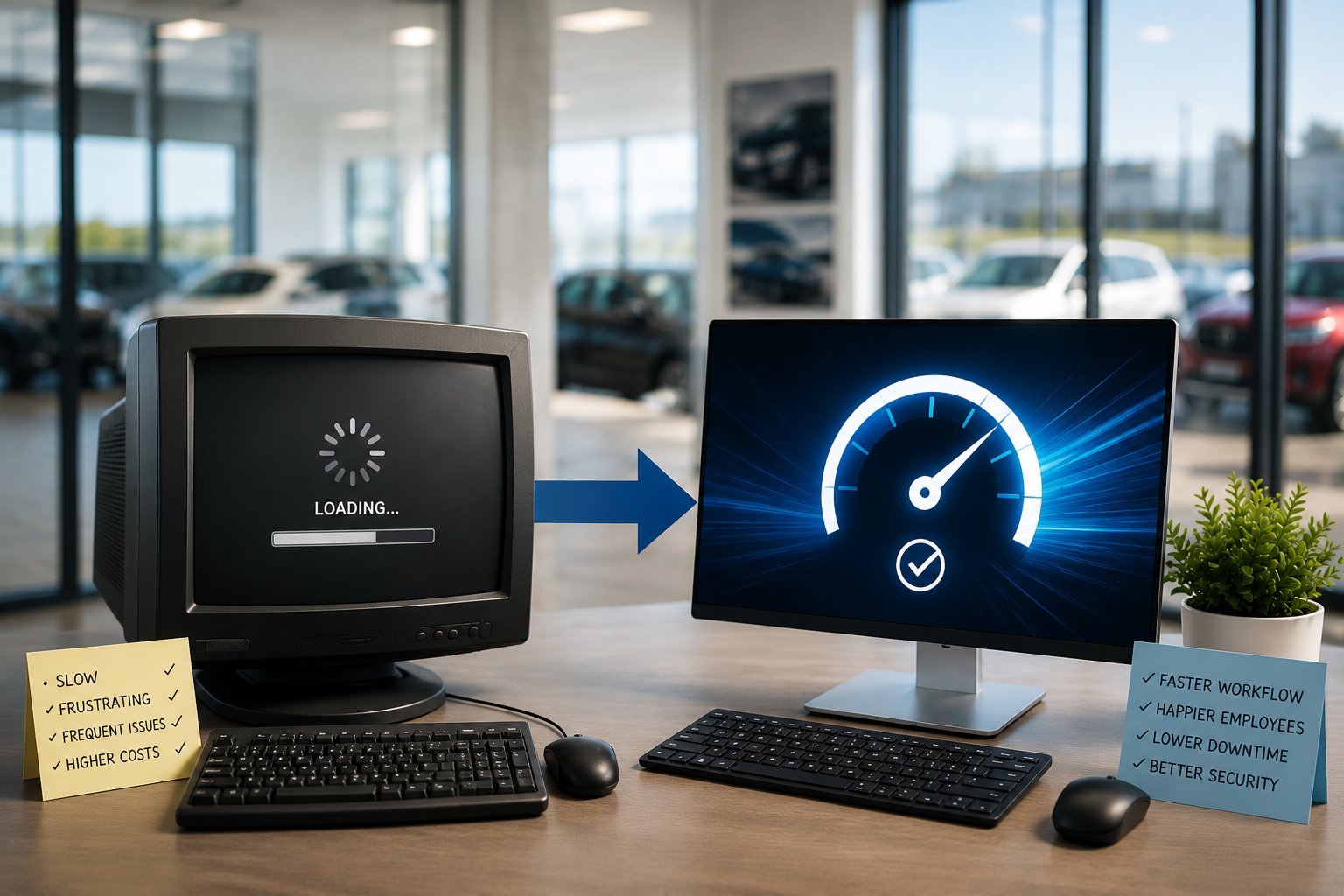
Have you ever sat down at your computer first thing in the morning, turned it on, and then waited...and waited...for it to finish booting?
Maybe you use that time to grab a cup of coffee or catch up with a coworker. It doesn't seem like a big deal because it's become part of the daily routine.
Now imagine that same delay happening to ten or fifteen employees every morning. Add in applications that take longer to open, web pages that load slowly, and computers that freeze just often enough to interrupt someone's work. Those small delays don't just frustrate employees. They quietly reduce productivity throughout the entire dealership.
A five-year-old computer that's running well and supporting today's software may not need to be replaced immediately. On the other hand, a three-year-old computer that's slowing employees down every day may already be costing your dealership more in lost productivity than it's worth.
In this guide, we'll explain how long business computers typically last, the warning signs that it's time to replace them, and why a proactive replacement strategy is often less expensive than waiting until aging hardware becomes a daily problem.
Why Many Dealerships Wait Too Long to Replace Computers
Most dealerships don't intentionally hold on to outdated computers. In fact, the decision usually makes perfect sense at the time.
The computer still turns on. Employees can log in. Email works. They can access the dealership management system, browse the internet, and complete their daily tasks. From the outside, there doesn't appear to be a reason to replace it.
It's easy to think, "Let's get another year out of it."
The problem is that computers don't usually go from working perfectly one day to completely failing the next. Instead, their performance gradually declines over time. Startup times get longer. Applications take more time to open. Web pages don't load as quickly. Employees begin waiting a little longer throughout the day, and those delays slowly become accepted as "normal."
Unfortunately, what feels like a minor inconvenience is often a hidden cost to the business. A computer that takes an extra few minutes to boot each morning or several additional seconds to load applications doesn't just affect one employee once a day. Those delays occur repeatedly throughout the workday, across multiple employees, every single day.
Eventually, the dealership reaches a tipping point. Employees become frustrated, support requests increase, and management starts hearing the same complaint over and over.
"My computer is so slow."
By then, the cost of keeping the computer has already started to outweigh the cost of replacing it.
How Long Should Business Computers Last?
One of the most common questions dealerships ask is, "How long should our computers last?" While it's a reasonable question, there's no single answer. A computer's age is important, but it's only one part of the decision.
The better question is: Is this computer still helping employees work efficiently, or is it slowing them down?
As a general guideline, most business computers should be evaluated after three to five years. That doesn't mean every computer should automatically be replaced at the five-year mark. Some systems continue to perform well beyond that, while others begin showing signs of age much sooner depending on how they're used.
When deciding whether to replace a computer, consider several factors:
- Performance: Does it still allow employees to work efficiently?
- Reliability: Has it become prone to hardware issues or unexpected downtime?
- Warranty: Is it still covered by the manufacturer?
- Software Compatibility: Can it support the applications your dealership depends on?
- Security: Can it run current operating systems and security tools?
| Computer Age | Typical Recommendation |
|---|---|
| 0-3 Years | Continue maintaining and monitoring performance. |
| 3-5 Years | Begin evaluating for replacement based on performance, warranty status, and business needs. |
| 5+ Years | Replacement is often the best long-term investment, especially if employees are experiencing slow performance or recurring issues. |
Rather than replacing computers based solely on age, dealerships should evaluate whether their technology is still supporting the business. If employees are waiting on slow systems, experiencing frequent problems, or unable to run the software they need, replacing the computer may be a better investment than continuing to work around its limitations.
Five Signs It's Time to Replace a Computer
Age is only one factor when deciding whether to replace a computer. More importantly, ask yourself whether it's still helping your employees work efficiently or whether it's becoming an obstacle to productivity.
If you answer "yes" to one or more of the following questions, it may be time to start planning for a replacement.
1. Is the Computer Between Three and Five Years Old?
A computer doesn't suddenly become obsolete on its fifth birthday, but age is a good reason to take a closer look.
As computers get older, they become more likely to experience hardware failures, fall out of warranty, and struggle to keep up with newer operating systems and business applications. If a computer is between three and five years old, evaluate whether it's still performing well enough to support the employee who uses it every day.
2. Are Employees Complaining That Their Computers Are Slow?
One of the clearest signs it's time for a replacement is when employees start noticing the difference.
Common complaints include:
- Long startup times
- Slow logins
- Applications taking too long to open
- Web pages loading slowly
- Frequent freezing or lockups
It's easy to dismiss these as minor annoyances, but they often occur dozens of times throughout the day. What seems like a small delay quickly adds up when multiple employees are experiencing the same issues.
3. Is the Computer Struggling to Run Current Software?
Business software is constantly evolving. Operating systems receive updates, Microsoft 365 continues to add new features, and security software requires more system resources than it did just a few years ago.
If employees are waiting for programs to load or noticing slower performance after software updates, the computer may no longer be able to keep up with the demands of today's applications.
4. Has the Computer Needed Multiple Repairs?
Occasional repairs are part of owning any technology.
However, if you've replaced the hard drive, upgraded memory, fixed power issues, or called for support several times in the past year, it's worth asking whether you're investing in equipment that's nearing the end of its useful life.
At some point, continuing to repair an aging computer becomes more expensive than replacing it.
5. Is the Computer Out of Warranty?
Once a computer is no longer covered by the manufacturer's warranty, the cost and risk of ownership begin to increase.
Replacement parts may be harder to find, repairs can take longer, and you're responsible for the full cost if something fails. Older computers are also less likely to receive firmware updates and other improvements that help maintain stability and security.
If a computer is out of warranty and showing other signs of age, replacing it is often the better long-term decision.
Key Takeaway
No single warning sign automatically means a computer should be replaced. But when you combine age with slow performance, employee complaints, recurring repairs, and an expired warranty, it's usually a sign that the computer is costing your dealership more than you realize.
The Hidden Cost of Keeping Old Computers
One of the biggest misconceptions about aging computers is that if they're still working, they're not costing the business anything.
In reality, the opposite is often true.
A computer doesn't have to fail completely to become expensive. In fact, many older computers quietly reduce productivity for months or even years before anyone decides to replace them. Employees simply adapt. They expect the computer to take several minutes to start each morning. They know certain applications will take a while to load. Waiting becomes part of the job.
Those delays may not seem significant on their own, but they occur over and over again throughout the workday.
We recently worked with a dealership that had delayed replacing many of its office computers for nearly eight years. There were approximately 15 computers, and although they technically still worked, employees had become increasingly frustrated with their performance.
Several computers took ten minutes or more to boot each morning. After logging in, employees often waited another 30 seconds or longer for common applications or web pages to load. Throughout the day, those delays repeated themselves every time they switched between programs, opened files, or accessed information.
Eventually, the complaints became impossible to ignore, and the dealership decided it was time to replace the aging computers.
The improvement was immediate
One employee summed it up perfectly: "Everything is so much faster and runs much smoother. I don't have to wait anymore!"
That reaction wasn't surprising. The new computers didn't just boot faster or open applications more quickly. They eliminated the dozens of small delays that had quietly become part of each employee's daily routine. Managers stopped hearing complaints about slow systems, employees were less frustrated, and routine tasks that had gradually become time-consuming were once again completed without delay.
The lesson is simple: a computer doesn't have to stop working before it starts costing your dealership money. If employees are waiting on slow technology every day, the loss in productivity may already exceed the cost of replacing the equipment.
Why a Hardware Replacement Plan Saves Money
Replacing every computer at the same time isn't practical for most dealerships. Fortunately, it usually isn't necessary.
The challenge many dealerships face is that computers are often replaced only after they become a problem. One employee's computer fails, another is painfully slow, and a third can't support the latest software. Before long, the dealership has computers of all different ages, unexpected technology expenses, and employees having very different experiences depending on which workstation they're using.
A hardware replacement plan takes a much more strategic approach.
Instead of waiting for computers to fail, dealerships evaluate their technology on a regular basis and replace systems before they begin affecting employee productivity. Rather than facing a large, unexpected expense every seven or eight years, they spread replacements over time, making technology costs more predictable and easier to budget.
A planned replacement strategy also reduces downtime. Newer computers are generally more reliable, remain under the manufacturer's warranty, and are better equipped to support current business applications and cybersecurity tools. By replacing aging equipment before it becomes a liability, dealerships can avoid many of the interruptions that occur when older computers begin to fail.
Perhaps the biggest advantage is consistency. Employees have access to technology that performs similarly across the dealership, reducing complaints about slow computers and allowing everyone to work more efficiently. Instead of reacting to hardware failures, management can focus on running the business, knowing their technology is supporting day-to-day operations rather than creating unnecessary distractions.
Like any other business investment, technology should be planned, budgeted, and managed over time. A hardware replacement plan helps dealerships avoid costly surprises, improve employee productivity, and make better long-term technology decisions.
Frequently Asked Questions
Can a computer last longer than five years?
Yes. Some business computers continue to operate beyond five years. However, age alone isn't the best indicator of whether a computer should be replaced. Performance, reliability, warranty status, and the ability to support current business and security software are equally important. If a computer is slowing employees down or requiring frequent support, it may be time to replace it regardless of whether it still turns on every morning.
Should we replace every computer at the same time?
Not usually. Most dealerships benefit from replacing computers over time rather than all at once. A hardware replacement plan allows technology costs to be spread over multiple years while keeping employees on reliable, supported equipment. It also helps avoid situations where every computer reaches the end of its useful life at the same time.
Is it worth repairing an older computer?
It depends on the age of the computer and the nature of the problem. If the computer is only a few years old and has been reliable, a repair may make sense. However, if it's already between three and five years old, out of warranty, and employees have been experiencing slow performance, investing more money into repairs may only postpone the need for a replacement.
Can upgrading components make an old computer faster?
Sometimes. Upgrading a component, such as adding memory, can improve performance if the computer is otherwise in good condition and only a few years old. However, upgrades aren't always the most cost-effective solution.
As computers age, it's common for multiple components to begin showing their age. Replacing memory today, addressing another hardware issue a few months later, and then upgrading another component after that can quickly add up. Before long, you've invested a significant amount of money into a computer that's still nearing the end of its useful life.
Instead of looking at the cost of a single upgrade, consider the bigger picture. If a computer is already between three and five years old, out of warranty, and struggling to keep up with everyday work, replacing it may provide better long-term value than continuing to invest in incremental upgrades.
Will replacing computers improve cybersecurity?
Yes. Newer computers are designed to support current operating systems, security features, and business applications. As computers age, they may no longer support the latest security technologies or receive manufacturer updates, increasing the risk of security vulnerabilities. Replacing aging hardware is an important part of an overall cybersecurity strategy.
How do I know which computers should be replaced first?
Start with the computers that have the greatest impact on your business. Systems used by employees who rely on technology throughout the day, such as sales staff, service advisors, accounting personnel, and managers, should generally receive the highest priority. Computers that are slow, frequently repaired, or no longer supported should also move to the top of the replacement list.
Conclusion
There isn't a single age at which every business computer should be replaced. While most computers should be evaluated after three to five years, the right time to replace them depends on their performance, reliability, warranty status, and ability to support the software and security tools your dealership relies on every day.
Waiting until a computer completely fails is rarely the most cost-effective approach. Long before that happens, slow performance, employee frustration, frequent repairs, and compatibility issues can quietly reduce productivity and create unnecessary disruptions. As the dealership example in this article demonstrated, replacing aging computers can have an immediate impact on employee efficiency and overall satisfaction.
The best strategy is to treat computer replacements as part of an ongoing technology plan rather than an emergency expense. By regularly evaluating your hardware and replacing systems before they become a liability, your dealership can reduce downtime, improve productivity, strengthen cybersecurity, and make technology spending more predictable.
Ready to Build a Smarter Technology Plan?
If your dealership has computers that are slowing employees down, frequently needing repairs, or approaching the end of their useful life, now is a good time to evaluate your technology. Tech-Marvel offers a complimentary IT Risk Assessment to help dealerships identify aging hardware, security risks, and opportunities to improve performance.
We'll review your current environment, identify systems that may need attention, and provide practical recommendations to help you plan future technology investments - without unnecessary upgrades or high-pressure sales tactics.
Tech Marvel provides IT support for auto dealerships in New Jersey, from day-to-day help desk to cybersecurity and vendor coordination.
Want to know where your dealership stands? Book your free 20-Minute Automotive IT Risk Review →