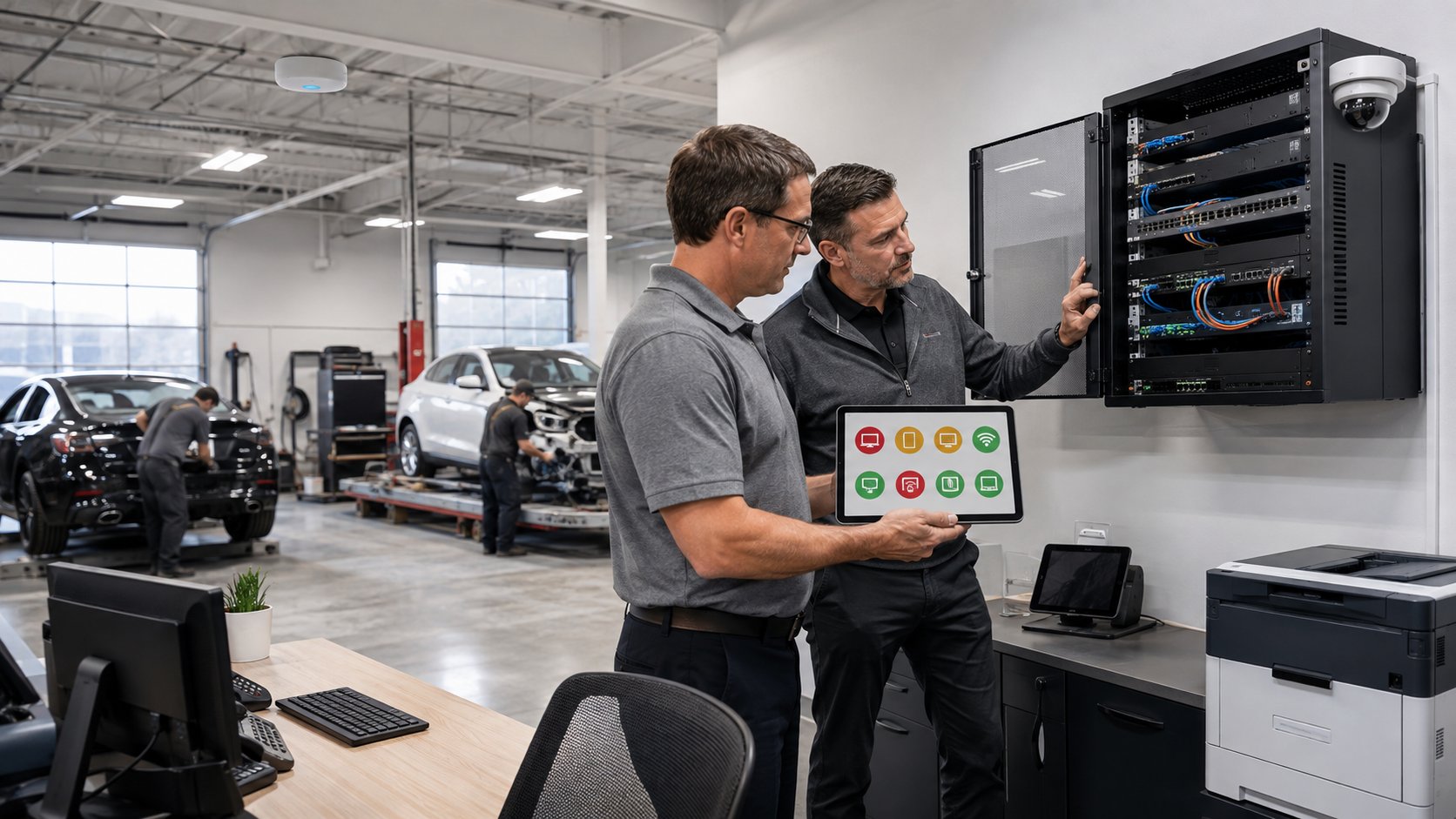
A collision center technology assessment should evaluate at least eight areas: computers and servers, network and Wi-Fi, cybersecurity, backup and recovery, Microsoft 365 and user access, business applications and vendors, documentation, and long-term technology planning.
The goal is not to create a long list of technical problems.
A good assessment should help leadership answer three questions:
- What needs attention now?
- What should be planned and budgeted over the next 12 to 36 months?
- What is working well and does not need to be changed?
That last question matters.
A technology assessment should not be an excuse to replace everything. It should help you understand where your current environment creates risk, where future investments are justified, and where existing systems can continue supporting the business.
For multi-location collision centers, the assessment should also compare locations to identify inconsistencies that make support, security, and future growth more difficult.
| Assessment Area | What Should Be Reviewed |
|---|---|
| Computers & Servers | Age, performance, support status, warranties, replacement needs |
| Network & Wi-Fi | Reliability, coverage, internet, firewall, switches, wireless design |
| Cybersecurity | MFA, endpoint protection, email security, patching, access controls |
| Backup & Recovery | Backup coverage, monitoring, restore testing, recovery priorities |
| Users & Microsoft 365 | Accounts, permissions, licensing, onboarding and offboarding |
| Applications & Vendors | CCC ONE, Mitchell, PartsTrader, phones, internet, third-party vendors |
| Documentation | Inventory, credentials, diagrams, vendor information, account ownership |
| Lifecycle & Budgeting | What should be addressed now, next year, and over the next three years |
1. Review the Age and Condition of Computers and Servers
The assessment should begin by identifying the technology employees depend on every day.
That includes:
- Desktop computers
- Laptops
- Servers
- Firewalls
- Network switches
- Wireless access points
- Printers and scanners
- Other critical hardware
The important question is not simply:
"How old is this equipment?"
Age is only one factor.
The assessment should also consider:
- Performance
- Reliability
- Warranty status
- Manufacturer support
- Operating system support
- Security update availability
- Business requirements
- Recurring repair history
A five-year-old computer that is still reliable, supported, and meeting the employee's needs may not require immediate replacement.
A three-year-old computer that regularly crashes or struggles to run required software may need attention sooner.
The same applies to servers and network equipment.
A good assessment should identify which equipment falls into three categories:
Address Now
Equipment that is failing, unsupported, insecure, or significantly affecting productivity.
Plan and Budget
Equipment that is still working but approaching the end of its useful life.
Leave Alone
Equipment that is supported, reliable, secure, and meeting business needs.
This prevents technology planning from becoming an all-or-nothing exercise.
The objective is not to replace old equipment simply because it is old.
It is to replace equipment before it becomes a business problem.
2. Evaluate Internet, Network, and Wi-Fi Reliability
A fast internet speed test does not prove the network is healthy.
The assessment should look at the entire path employees depend on:
Internet provider → firewall → network switches → cabling → Wi-Fi → employee devices and business applications
Problems at any point can feel like "slow internet" to employees.
For a collision center, the assessment should review:
- Internet service at each location
- Actual connection reliability
- Available upload and download capacity
- Firewall condition and support status
- Network switch configuration
- Cabling
- Wireless access-point placement
- Wi-Fi coverage throughout the building
- Guest network separation
- Camera and device networks
- Backup internet where appropriate
Wi-Fi testing should happen where employees actually work.
That means walking the shop floor, estimating areas, parts department, offices, customer areas, and any other location where wireless devices are used.
The front office having excellent Wi-Fi is not enough if an estimator regularly loses connectivity while uploading photos from the shop.
For multi-location organizations, compare the network design at every shop.
If each location uses different equipment, different configurations, and different support processes, the assessment should identify opportunities to standardize.
3. Review Cybersecurity as a Business Risk
A technology assessment should include cybersecurity, but it should not become a product checklist.
Leadership needs to understand:
- Where the business is exposed
- What protections are already in place
- What gaps matter most
- What improvements should be prioritized
The review may include:
- Multi-factor authentication
- Endpoint protection
- Email security
- Security monitoring
- Software patching
- User permissions
- Administrator accounts
- Remote access
- Employee security awareness
- Former employee accounts
- Vendor access
- Password practices
A good assessment should also identify areas where security controls are inconsistent.
For example, one collision center may require multi-factor authentication while another still has accounts protected only by passwords.
Or one location may use current endpoint security while another has devices that are no longer actively monitored.
For a multi-location organization, cybersecurity should be consistent across every shop.
The assessment should prioritize findings based on business impact rather than presenting every issue as equally urgent.
A missing critical security control may require immediate action.
A lower-risk configuration improvement may be appropriate for a future project.
Those should not be presented the same way.
4. Verify Backup and Recovery, Not Just Backup Software
A backup assessment should answer more than:
"Are backups running?"
It should determine whether the collision center can actually recover.
Review:
- What systems and data are backed up
- How frequently backups occur
- Whether backups are stored offsite
- Whether backups are protected from ransomware
- Who monitors failed jobs
- When the last successful restore test occurred
- How long recovery may take
- Which systems should be restored first
The assessment should identify critical systems and determine how long the business can reasonably operate without them.
For example:
How long could the collision center operate without email?
How long without shared files?
How long without an important local business application?
The answers help establish recovery priorities.
If backups have never been tested, that should be clearly identified.
A successful backup job is not the same as a successful recovery.
The business should know whether important data can actually be restored before an emergency happens.
5. Review Users, Access, and Microsoft 365
User accounts are one of the easiest areas for problems to accumulate over time.
Employees join.
Employees leave.
People change roles.
Permissions are added.
Temporary access becomes permanent.
Old accounts remain active because nobody remembers who created them.
A technology assessment should review:
- Active Microsoft 365 users
- Former employee accounts
- Administrator permissions
- Shared accounts
- Multi-factor authentication
- Licensing
- Shared mailbox access
- File permissions
- Remote access
- Onboarding procedures
- Offboarding procedures
The objective is to make sure every employee has the access they need without keeping unnecessary access in place.
This is both a security issue and an operational issue.
A new employee should not spend their first day waiting for accounts to be created.
A former employee should not retain access weeks after leaving the organization.
For multi-location collision centers, the assessment should also determine whether onboarding and offboarding processes are consistent across every shop.
6. Identify Every Critical Application and Technology Vendor
Collision centers rely on more vendors than many owners realize.
The assessment should identify the systems the business depends on and who is responsible for supporting each one.
That may include:
- CCC ONE
- Mitchell
- PartsTrader
- Microsoft 365
- Accounting software
- Internet providers
- VoIP providers
- Copier companies
- Security camera vendors
- Door access vendors
- Payment systems
- Cloud applications
- Hardware manufacturers
For each vendor, determine:
- What service they provide
- Who owns the account
- Who has administrative access
- Who should be contacted for support
- Whether contracts or licensing are documented
- What happens if the service becomes unavailable
The assessment should also identify situations where leadership is currently acting as the coordinator between vendors.
If the internet provider blames the firewall, the software vendor blames the network, and the manager is responsible for deciding who is right, there is an ownership problem.
A mature technology environment should have a clear point of accountability.
7. Determine Whether Your Technology Is Properly Documented
Documentation is one of the least visible parts of IT until something goes wrong.
A technology assessment should determine whether your business has accurate documentation covering:
- Hardware inventory
- Network diagrams
- Internet providers
- Domain names
- Microsoft 365
- Administrative accounts
- Firewalls
- Wireless networks
- Servers
- Software licensing
- Backup systems
- Vendor contacts
- Warranty information
- Technology standards
The business should also retain ownership of its critical accounts and subscriptions.
Your domain registration, Microsoft 365 environment, internet accounts, and other business systems should not exist only under the personal account of an employee or outside vendor.
Good documentation makes support faster.
It makes disaster recovery easier.
It simplifies onboarding.
It reduces dependency on a single technician.
And it makes future growth much easier to manage.
8. Compare Locations for Standardization Opportunities
For a multi-location collision center, the assessment should not evaluate each shop in isolation.
It should compare them.
Look for differences in:
- Computer standards
- Network equipment
- Wi-Fi
- Firewalls
- Internet providers
- Security settings
- Backup processes
- Software versions
- User account procedures
- Vendor relationships
- Hardware replacement schedules
Not every location needs to be identical.
Buildings differ.
Internet options differ.
Some shops have specialized equipment or unique operational requirements.
The goal is to standardize where consistency creates business value.
For example, every location can follow the same security policies even if the buildings use different internet providers.
Every employee can follow the same onboarding process even if one shop requires more wireless access points than another.
Standardization reduces complexity.
That makes the organization easier to support, easier to secure, and easier to grow.
9. Build a 12- to 36-Month Technology Roadmap
The most valuable part of a technology assessment is not the list of findings.
It is what happens next.
Every recommendation should be organized into a practical roadmap.
A simple approach is:
Red: Address Now
Examples:
- Critical cybersecurity gaps
- Failed or untested backups
- Unsupported systems
- Equipment causing repeated downtime
- Missing administrative access
- Major Wi-Fi or network problems
Yellow: Plan and Budget
Examples:
- Aging computers
- Server replacement
- Network upgrades
- Cloud projects
- Security improvements
- Location standardization
Green: Leave Alone
Examples:
- Supported hardware
- Reliable networks
- Properly configured systems
- Security controls that are working
- Equipment that still meets business needs
Green is important.
A good assessment should tell you what does not need to be replaced.
That creates trust and allows budget to be focused on the areas where investment creates the most value.
The roadmap should then identify:
- What should happen this quarter
- What should happen during the next 12 months
- What should be budgeted for Years 2 and 3
That creates a direct connection between the technology assessment and the business budget.
What Should You Receive at the End of a Technology Assessment?
A good assessment should leave leadership with something more useful than a technical report.
At minimum, you should understand:
- Your biggest technology risks
- The condition of your computers and infrastructure
- Whether your network and Wi-Fi are reliable
- Whether cybersecurity protections are appropriate
- Whether backups have been verified
- Whether user access is being managed properly
- Whether vendors and critical accounts are documented
- Where locations should be standardized
- What should be addressed now
- What should be budgeted over the next one to three years
Ideally, the recommendations should be prioritized by business impact.
You should not receive 47 findings with no indication of which three actually matter.
Leadership should be able to finish the assessment knowing exactly where to focus first.
What a Technology Assessment Should Not Be
A technology assessment should not be a disguised sales proposal.
If the conclusion is:
"Everything needs to be replaced."
...you should understand why.
There may be situations where substantial modernization is genuinely necessary, particularly when equipment is unsupported, networks are unreliable, security controls are missing, or a newly acquired location has been neglected.
But every recommendation should have a clear business reason.
A good assessment should also identify technology that can remain in service.
For example:
This server should be replaced within 12 months.
These eight computers should be phased out over the next two years.
The firewall needs immediate attention.
The Wi-Fi is performing well and does not need to be changed.
That is far more useful than simply labeling everything old or new.
How Often Should a Collision Center Have a Technology Assessment?
There is no universal schedule, but a full assessment is particularly valuable when:
- Changing IT providers
- Acquiring another collision center
- Opening a new location
- Experiencing recurring technology problems
- Planning a major expansion
- Preparing a multi-year technology budget
- Recovering from a cyber incident
- Leadership has limited visibility into the current environment
For a well-managed existing client, many elements of the assessment should already be happening continuously.
Hardware inventories should be updated.
Backups should be monitored.
Security should be reviewed.
Lifecycle planning should be maintained.
The formal assessment then becomes less about discovering surprises and more about confirming priorities and updating the roadmap.
Bottom Line
A collision center technology assessment should evaluate eight core areas: hardware, network and Wi-Fi, cybersecurity, backups and recovery, user access, business applications and vendors, documentation, and long-term planning.
For multi-location organizations, it should also compare shops and identify opportunities to standardize.
But the most important outcome is not the assessment itself.
It's the roadmap that comes from it.
At the end, leadership should know:
What needs attention now.
What should be planned over the next 12 to 36 months.
And what is working well enough to leave alone.
That gives a collision center something far more valuable than a list of technical issues.
It gives the business a clear plan for improving reliability, reducing risk, controlling technology costs, and supporting future growth.
Learn more about the IT support we provide for New Jersey collision centers, from estimating stations to shop Wi-Fi.
Has your collision center outgrown “the IT guy”? Get the free guide: 10 Signs You’ve Outgrown “The IT Guy” →