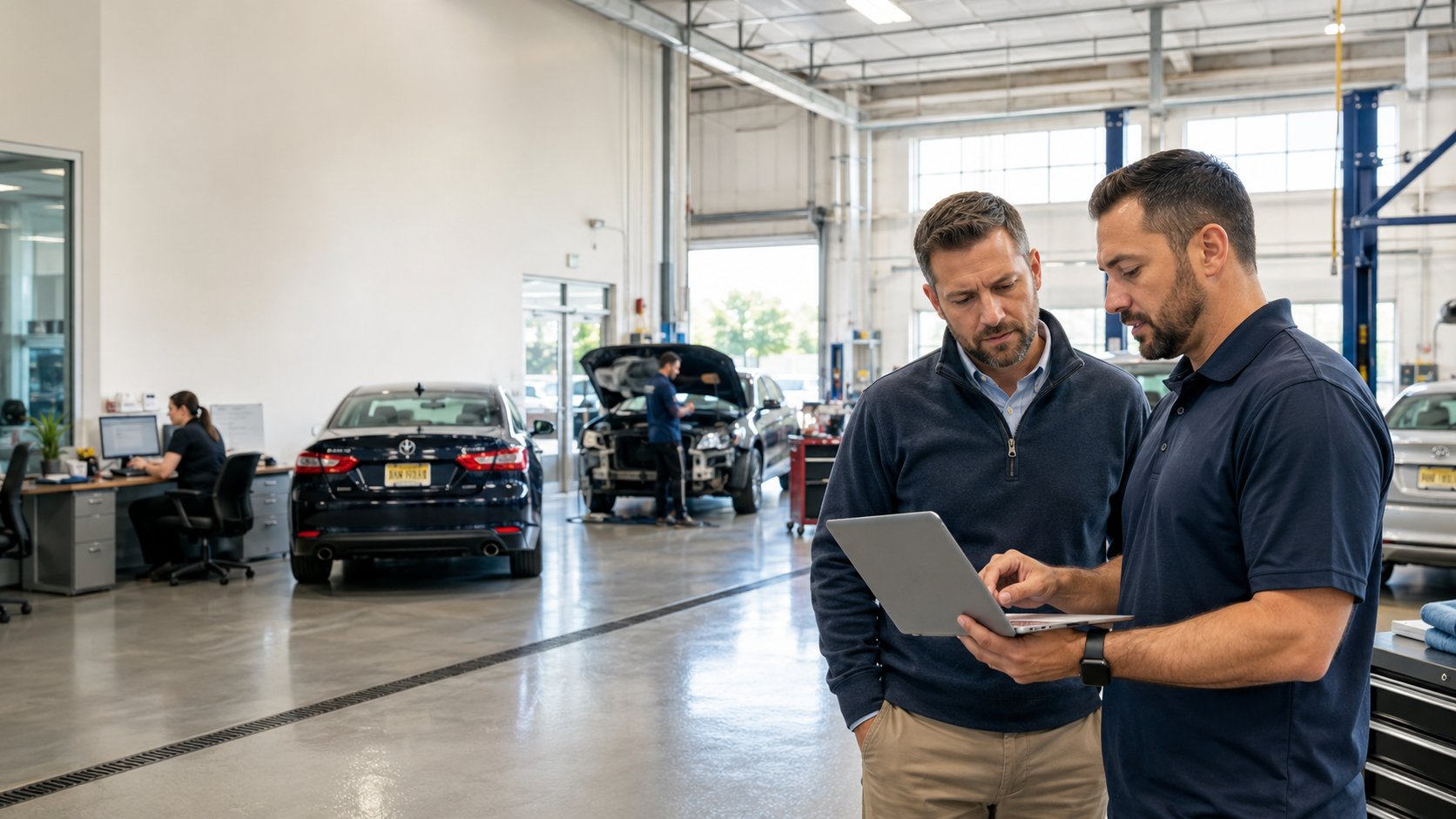
If you only talk to your IT provider when something breaks, your collision center may already be operating with more risk than you realize.
That may have worked when you had one location, a smaller team, and one person who knew how everything was connected. But as your collision center grows, your technology becomes a bigger part of daily production.
Your estimators depend on CCC, Mitchell, Audatex/Solera, insurance portals, phones, email, Wi-Fi, shop management systems, accounting software, customer communication tools, security cameras, and vendor systems. When one piece slows down, the impact spreads fast.
Employees wait. Estimates get delayed. Insurance communication stalls. Customers get frustrated. Vendors blame each other. And too often, the owner becomes the person everyone calls.
That is why growing collision centers should have a quarterly IT review.
Not a technical meeting filled with jargon. A practical business conversation about what is working, what is creating risk, and what needs to change before small technology problems become expensive shop disruptions.
Here are six questions every collision center owner should ask their IT provider every quarter.
Question 1: What Security Problems Do We Need To Address?
Every collision center has sensitive information moving through its systems.
Customer names, addresses, phone numbers, emails, VINs, insurance claim details, payment information, employee accounts, vendor logins, and internal financial data may all live across email, estimating systems, file storage, accounting software, and cloud applications.
The question is not whether your shop has risk. The question is whether someone is actively finding and reducing that risk before it turns into downtime, fraud, data loss, or an insurance headache.
Ask your IT provider:
- Are all computers, servers, and network devices fully patched?
- Have there been unusual login attempts or suspicious account activity?
- Are former employees fully removed from email, estimating platforms, cloud apps, and vendor systems?
- Are users sharing passwords or using weak passwords?
- Are MFA and account security properly enforced?
- Are any devices, users, or processes creating unnecessary exposure?
You do not want a vague answer like, "Everything looks fine."
You want specifics.
A good IT partner should be able to tell you where your biggest security risks are, what has already been fixed, and what still needs attention. More importantly, they should explain it in plain English and connect it back to your business.
For a collision center, cybersecurity is not just an IT issue. It affects production, insurance communication, payroll, payments, customer trust, and your ability to keep cars moving through the shop.
Question 2: Have You Tested Our Backups Recently?
A backup does not matter if nobody knows whether it can actually be restored.
Many businesses assume they are protected because someone set up backups at some point. But when a server fails, ransomware hits, a cloud account is compromised, or someone accidentally deletes important files, assumptions do not help.
Your collision center needs to know what can be recovered, how quickly it can be recovered, and who is responsible for making that happen.
Ask your IT provider:
- When was the last successful backup test?
- When was the last full restore test?
- How long would it take to restore our critical systems?
- Are our backups protected from ransomware?
- Are Microsoft 365, Google Workspace, OneDrive, SharePoint, or other cloud systems included?
- Are files, accounting data, scanned documents, estimate-related files, and customer communication protected?
- If one location goes down, can the others keep operating?
This matters because downtime in a collision center does not stay contained.
If your files, email, phones, estimating systems, or accounting access are unavailable, your office staff cannot work normally. Estimators may get stuck. Insurance communication may slow down. Customers may not get updates. Managers may have to improvise.
A backup strategy should not be a mystery.
Your IT provider should be able to explain what is backed up, what is not backed up, how restoration works, and what your realistic recovery timeline would be during an outage.
Question 3: Where Is Technology Slowing Down The Shop?
Not every IT problem looks like a major emergency.
Sometimes the bigger problem is the friction your team has learned to tolerate.
A front office employee waits for a computer to start every morning. An estimator loses time because an application freezes. Wi-Fi drops in part of the building. Phones cut out. A printer or scanner constantly causes delays. A camera system works "most of the time." A manager avoids a system because it has become too frustrating.
Individually, these problems may seem small.
Across a busy collision center, they waste hours.
Ask your IT provider:
- What recurring issues are being reported?
- Which computers or systems are creating the most support tickets?
- Are any locations having more problems than others?
- Are we outgrowing our current computers, network, Wi-Fi, or internet setup?
- Are CCC, Mitchell, Audatex/Solera, insurance portals, email, phones, or shop management systems being affected by performance issues?
- Are employees working around problems instead of reporting them?
This is where professional IT support should become practical.
Your provider should not only fix what breaks. They should help you see patterns. If one location has recurring internet issues, if one department has slow machines, or if the same software problems keep coming back, those are not random annoyances. They are productivity problems.
Technology should help your team write estimates, communicate with insurers, update customers, process paperwork, manage parts, and move vehicles through the repair process.
If your team is constantly waiting on technology, your IT support should be asking why.
Question 4: Are We Meeting Our Security, Insurance, And Compliance Expectations?
Collision centers are not just dealing with computers.
They are handling customer information, employee accounts, payment systems, insurance communication, vendor portals, cloud applications, and sometimes dealership or DRP-related requirements.
That means your technology setup may affect cyber insurance, vendor expectations, customer trust, and your ability to respond properly if something goes wrong.
Ask your IT provider:
- Are we meeting current cyber insurance requirements?
- Do we have MFA, endpoint protection, backups, patching, and account controls properly documented?
- Are former employees removed quickly and completely?
- Do we have written policies for passwords, access, devices, email, and incident response?
- Are employees trained to recognize phishing, fake invoices, and suspicious login requests?
- Are our systems set up to reduce the risk of account takeover or data exposure?
The danger is drift.
A collision center may have been "fine" last year, but then the business added another location, hired more staff, changed software, moved more data to the cloud, or added new vendor access. Over time, small gaps appear.
Your IT provider should help you catch those gaps before an insurance questionnaire, vendor requirement, breach, or outage forces the issue.
This does not need to be fear-based. It needs to be organized.
Growing shops deserve technology that supports the business as professionally as the business supports its customers.
Question 5: What Should We Be Budgeting For Next Quarter?
Emergency IT spending is frustrating because it usually means something was not planned early enough.
A workstation dies. A server runs out of life. A firewall becomes outdated. A warranty expires. A Wi-Fi system cannot support the shop anymore. A phone system starts creating problems. A software license renews unexpectedly. A security requirement suddenly needs funding.
Quarterly IT reviews help you avoid surprises.
Ask your IT provider:
- Which computers or devices are aging out?
- Are any warranties, licenses, or subscriptions coming up for renewal?
- Are any systems becoming unreliable?
- Will we need upgrades to support growth, another location, more users, or new software?
- Are there security improvements we should budget for now instead of rushing later?
- Are we spending money on tools we no longer need?
For collision center owners, the goal is not to spend more on IT.
The goal is to make smarter decisions earlier.
A good IT partner should help you spread costs out, prioritize what matters, and avoid expensive last-minute purchases that disrupt the business.
You should know what is coming before it becomes urgent.
Question 6: Where Have We Outgrown Our Current IT Setup?
This may be the most important question.
Many collision centers do not have a technology problem because someone made a bad decision. They have a growth problem.
The setup that worked when the business had one location may not be enough when you are running multiple shops, managing more users, coordinating more vendors, relying on more cloud systems, and trying to keep every location productive.
Ask your IT provider:
- Are we managing every location consistently?
- Do we have standard processes for onboarding and offboarding employees?
- Are all users, computers, phones, Wi-Fi networks, and security tools being managed the same way?
- Are vendors being coordinated properly, or are we stuck in finger-pointing?
- Are we still relying too much on one person who "knows how everything works"?
- What would break first if we added another location?
- What should we standardize before the business grows again?
This is the question that separates basic computer support from a real IT partner.
Your collision center should not have to operate around unclear ownership. If the internet provider, software vendor, phone vendor, camera vendor, and "IT guy" are all pointing at each other, the business still has a problem.
Someone needs to own the outcome.
That is especially important for growing collision centers in Morris County, Northern New Jersey, and across New Jersey, where customers, insurers, employees, and vendors expect fast communication and consistent operations.
If Your IT Provider Cannot Answer These Questions, That Is A Problem
Your IT provider should not only show up when something breaks.
They should help you understand where your business is exposed, where your team is losing time, where your systems are becoming outdated, and where technology needs to grow with the company.
That does not mean your current setup was wrong.
It may simply mean your collision center has grown.
The informal IT approach that worked years ago may no longer be enough for a business with more employees, more locations, more systems, more customer data, and more pressure to keep production moving.
At Tech Marvel, we help growing New Jersey collision centers replace informal IT support with one accountable technology partner for every location.
We help you understand your current setup, identify risks, reduce downtime, coordinate vendors, secure your systems, and create a practical roadmap for what needs to change.
Ready To Take IT Off Your Plate?
You did not get into the collision repair business to manage technology.
You built your company to serve customers, support your team, and keep cars moving through the shop.
If you are tired of being the person everyone calls when technology fails, it may be time for a more accountable approach.
Schedule Your Free 20-Minute IT Review with Tech Marvel.
We'll walk through your shops, review your locations, users, systems, vendors, and recurring IT problems, then help you identify what needs attention before small issues become expensive disruptions.
Call 862-201-5710 or schedule your free 20-minute IT review.