A collision center should build its three-year IT budget around five categories: recurring IT services, software and licensing, hardware replacement, planned technology projects, and growth or contingency costs. For planning purposes, managed IT for a collision center with 20 to 100 employees may run roughly $125 to $200 per user per month, while business computers should generally be planned for replacement every 3 to 5 years and servers every 5 to 7 years.
The goal isn't to predict every technology expense perfectly.
It's to avoid the cycle of spending very little one year and then facing a large, unexpected bill the next because several computers, a server, or network equipment all reached the end of their useful life at the same time.
A three-year technology budget gives you visibility into what's coming so you can spread investments over time, prepare for growth, and make technology decisions before they become emergencies.
| Budget Category | What It Includes |
|---|---|
| Recurring IT Services | Managed IT, support, monitoring, cybersecurity, backup management |
| Software & Licensing | Microsoft 365, cloud services, security software, business subscriptions |
| Hardware Lifecycle | Computers, laptops, servers, firewalls, switches, Wi-Fi equipment |
| Projects & Improvements | Network upgrades, cloud migrations, security improvements, major implementations |
| Growth & Contingency | New employees, new locations, acquisitions, unexpected replacements |
1. Start With Your Predictable Monthly IT Costs
The easiest part of your three-year IT budget to forecast is the technology you already pay for every month.
Start by identifying your recurring expenses.
For most collision centers, that may include:
- Managed IT services
- Microsoft 365 licensing
- Cybersecurity services
- Backup and disaster recovery
- Cloud storage
- Phone systems
- Internet services
- Software subscriptions
- Other recurring technology services
If you operate a collision center with 50 employees and budget between $125 and $200 per user per month for managed IT, your managed IT expense alone may fall between approximately $6,250 and $10,000 per month, or $75,000 to $120,000 per year.
That doesn't mean every 50-person collision center should spend exactly that amount. Location count, cybersecurity requirements, technology complexity, and the condition of your existing environment all affect cost.
The important part is establishing your baseline.
Once you know what your recurring technology costs are today, project them across the next three years and account for expected changes.
For example:
If you expect to grow from 50 employees to 65 employees over the next three years, don't build the budget around 50 users indefinitely. Include the additional licensing, support, security, and equipment those employees will require.
For a multi-location organization, also look at recurring costs by location.
Internet service, phone systems, local backup requirements, and other services may increase as new shops are added.
A good three-year budget starts with the costs you already understand before moving on to the expenses that are easier to overlook.
2. Build a Hardware Replacement Schedule
Hardware is where many technology budgets become unpredictable.
A computer fails unexpectedly.
A server reaches the end of its support life.
A firewall suddenly needs replacement.
Several wireless access points become outdated at the same time.
When those expenses aren't planned, technology spending becomes reactive.
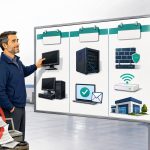
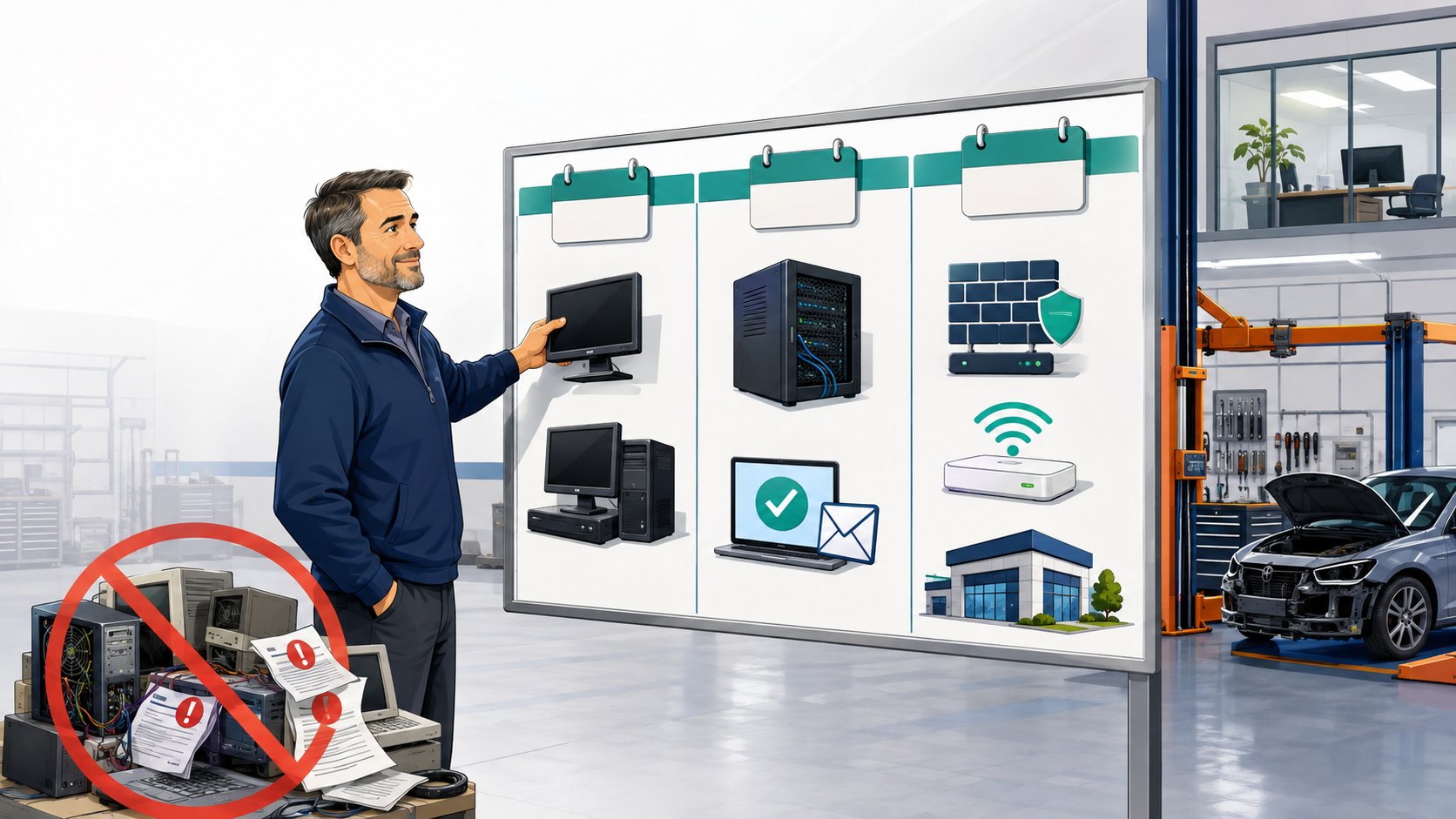
A better approach is to inventory your equipment and assign an expected replacement year to every major device.
As a planning guideline:
- Business desktops: 3 to 5 years
- Business laptops: 3 to 5 years
- Servers: 5 to 7 years
- Firewalls: approximately 5 to 7 years
- Wireless access points: approximately 5 to 7 years
These aren't expiration dates. Equipment may need replacement sooner because of poor performance, warranty status, manufacturer support, or changing business requirements. Other equipment may remain useful longer.
The purpose of the lifecycle is budgeting.
Example: Planning Computer Replacements
Suppose your collision center has 60 computers.
If you're targeting a five-year replacement cycle, you would expect to replace roughly:
60 computers / 5 years = 12 computers per year
Instead of waiting until 30 aging computers become a problem at the same time, you can plan to replace approximately 12 each year.
That spreads the investment across multiple budgets and creates a more consistent employee experience.
The same principle applies to larger infrastructure.
If you know a server will likely need replacement in Year 2 and a firewall is approaching end of life in Year 3, those expenses should already appear in your forecast.
A simple lifecycle schedule might look like this:
| Equipment | Year 1 | Year 2 | Year 3 |
|---|---|---|---|
| Desktop replacements | 12 | 12 | 12 |
| Laptop replacements | 3 | 4 | 3 |
| Servers | 0 | 1 | 0 |
| Firewall replacements | 0 | 0 | 2 |
| Wi-Fi upgrades | 1 location | 0 | 1 location |
The exact numbers will be different for every collision center.
What matters is knowing what's coming before it becomes an emergency.
3. Forecast Software, Cybersecurity, and Cloud Costs
Hardware tends to get the most attention because you can physically see it.
Software and cybersecurity costs are easier to overlook because they are spread across subscriptions, licenses, and services.
As your collision center grows, these recurring costs often grow with it.
Your three-year budget should account for services such as:
- Microsoft 365
- Email security
- Endpoint protection
- Multi-factor authentication
- Security awareness training
- Backup services
- Cloud storage
- Password management
- Line-of-business software
- Phone and communication platforms
Some of these expenses are priced per user.
Others are priced per device, location, storage capacity, or service.
That means growth affects them differently.
If your workforce grows by 20%, Microsoft 365 and user-based cybersecurity licensing may increase by roughly the same amount.
If you're acquiring another collision center, however, you may also introduce additional internet connections, network equipment, servers, phone systems, or software subscriptions.
Your budget should also leave room for security requirements to change.
Cybersecurity is not a one-time purchase. Insurance requirements, vendor expectations, security threats, and business needs evolve.
A three-year plan should therefore include a reasonable allowance for improving security rather than assuming today's protections will remain unchanged indefinitely.
The goal isn't to predict which security product you'll buy three years from now.
It's to recognize that cybersecurity is an ongoing operating expense that deserves its own place in the budget.
4. Separate Recurring Costs From Planned Projects
Not every technology expense belongs in your monthly IT budget.
Large projects should be planned separately.
Examples might include:
- Rebuilding a network
- Improving Wi-Fi coverage
- Migrating systems to the cloud
- Replacing a server
- Moving offices
- Opening a new location
- Implementing a new phone system
- Improving backup infrastructure
- Standardizing technology after an acquisition
- Major cybersecurity improvements
These projects can create large swings in technology spending if they're not identified ahead of time.
A three-year budget allows you to decide when each project should happen.
For example:
Year 1
Replace the oldest computers and improve Wi-Fi at one location.
Year 2
Replace an aging server and complete a cybersecurity improvement project.
Year 3
Upgrade network equipment at two locations and prepare infrastructure for expansion.
This creates a much more predictable investment schedule than trying to complete every improvement immediately.
It also helps leadership prioritize.
Not every technology problem has the same urgency.
A security risk affecting the entire organization may need attention this year.
A network upgrade at a location that is still operating reliably may be appropriate for next year.
A three-year plan gives you room to make those decisions deliberately.
5. Budget for Growth, Acquisitions, and the Unexpected
A good technology budget shouldn't assume your collision center will look exactly the same three years from now.
Growth creates technology expenses.
Every new employee may need:
- A computer
- Microsoft 365
- Security licensing
- Application access
- Phone service
- User setup and support
New locations create larger expenses.
They may require:
- Internet installation
- Network equipment
- Wi-Fi
- Firewalls
- Computers
- Printers
- Phones
- Security tools
- Backup systems
- Vendor coordination
Acquisitions are even less predictable because you're inheriting someone else's technology.
One acquired location may have relatively modern equipment that can remain in service.
Another may require significant investment in computers, networking, security, and software before it matches the standards of your existing locations.
That is why a growing multi-location collision center should maintain both a company-wide technology budget and a location-level lifecycle plan.
The company-wide budget covers shared expenses such as managed IT, Microsoft 365, cybersecurity, cloud services, and strategic projects.
The location-level plan identifies which computers, servers, networks, and other infrastructure will require investment at each shop.
You should also maintain some contingency for unexpected failures.
A three-year budget reduces surprises.
It doesn't eliminate them.
Hardware can still fail early. A vendor can change requirements. A new business opportunity can appear faster than expected.
Having some flexibility in the budget allows you to respond without abandoning the rest of your technology plan.
How to Build Your 3-Year IT Budget in Five Steps
You don't need a complicated spreadsheet or a detailed financial model to get started.
A useful first draft can be built in five steps.
Step 1: List All Recurring Technology Costs
Document what you're currently spending on:
- Managed IT
- Software
- Microsoft 365
- Cybersecurity
- Backups
- Internet
- Phones
- Cloud services
- Other recurring subscriptions
Project those costs across three years and adjust for expected growth.
Step 2: Inventory Your Hardware
List the age and expected replacement year of:
- Computers
- Laptops
- Servers
- Firewalls
- Switches
- Wireless access points
- Other critical equipment
This creates your replacement schedule.
Step 3: Identify Known Projects
Write down technology improvements you already know will be needed over the next three years.
Assign each project to a year based on urgency, business value, and available budget.
Step 4: Add Expected Growth
Consider:
- Hiring plans
- Additional locations
- Acquisitions
- Facility expansions
- New applications
- Operational changes
Estimate the technology impact of each.
Step 5: Review the Plan Every Year
A three-year budget should never remain unchanged for three years.
Review it at least annually.
Move completed projects out.
Update hardware replacement dates.
Adjust for new employees.
Add newly identified risks or opportunities.
Then extend the forecast another year so you always maintain a three-year view.
Example: What a 3-Year Technology Budget Might Look Like
Every collision center's budget will be different, but a simple forecast might look like this:
| Technology Expense | Year 1 | Year 2 | Year 3 |
|---|---|---|---|
| Managed IT Services | $______ | $______ | $______ |
| Microsoft 365 & Software | $______ | $______ | $______ |
| Cybersecurity | $______ | $______ | $______ |
| Backup & Recovery | $______ | $______ | $______ |
| Computer Replacements | $______ | $______ | $______ |
| Servers & Infrastructure | $______ | $______ | $______ |
| Planned Projects | $______ | $______ | $______ |
| Growth / New Locations | $______ | $______ | $______ |
| Contingency | $______ | $______ | $______ |
| Total IT Budget | $______ | $______ | $______ |
The value isn't in getting every number exactly right.
The value is knowing that a server replacement is coming in Year 2, that 12 computers should be replaced next year, or that opening another location will require technology investment beyond the normal monthly IT bill.
That allows technology spending to become part of normal business planning instead of a series of surprises.
A Practical Example: Spreading Hardware Costs Over Time
Consider a growing collision center group that has replaced computers only when they became too slow or failed.
Over time, that can create an environment where some computers are two years old while others are eight years old.
Eventually, several systems need replacement at the same time.
Instead of continuing that cycle, the business can inventory its equipment and divide the oldest devices across a three-year replacement plan.
Year 1 addresses equipment that is already creating performance or support problems.
Year 2 replaces the next group approaching the end of its lifecycle.
Year 3 continues the cycle while also budgeting for larger infrastructure projects that are visible further in advance.
The business doesn't necessarily spend less on technology.
It spends more predictably.
And predictable investments are much easier to manage than emergency purchases made while employees are waiting for equipment to come back online.
What Should Your IT Provider Contribute to the Budget?
Your IT provider should not simply send you invoices.
They should help you understand what's coming.
At least once a year, your provider should be able to discuss:
- Which equipment should be replaced next
- What technology risks should be addressed
- What projects are recommended
- What cybersecurity improvements should be planned
- How growth will affect technology costs
- What investments can safely wait
- What budget should be reserved for the next one to three years
You should also understand why each recommendation matters.
A technology roadmap shouldn't be a shopping list.
It should connect each investment to a business outcome such as improving reliability, reducing risk, increasing employee productivity, supporting another location, or avoiding an expensive emergency.
This is where a strategic IT relationship becomes particularly valuable.
Your provider sees the technology environment every day.
Leadership understands the business strategy.
The budget should connect the two.
Trust Signals: What to Look for in a Technology Planning Partner
A provider helping you build a multi-year technology budget should be able to demonstrate:
- Experience supporting collision centers
- Experience with multi-location environments
- Hardware lifecycle planning
- Cybersecurity planning
- Cloud and infrastructure expertise
- Acquisition and expansion support
- Clear documentation
- Regular strategic business reviews
They should also be willing to tell you when not to spend money.
The goal of technology planning isn't to replace every piece of equipment as quickly as possible.
It's to prioritize investments based on reliability, risk, performance, business goals, and budget.
Bottom Line
A three-year IT budget helps a collision center move from reactive technology spending to predictable business planning.
Start with five categories:
- Recurring IT services
- Software and licensing
- Hardware replacement
- Planned technology projects
- Growth and contingency
Then update the plan every year as your business changes.
You won't predict every expense perfectly.
You don't need to.
The real value comes from knowing that equipment is approaching replacement, projects are on the horizon, growth has technology costs, and major investments can be spread across multiple years.
When technology spending is planned instead of triggered by emergencies, leadership can make better decisions, budgets become more predictable, and your collision center is better prepared for whatever comes next.