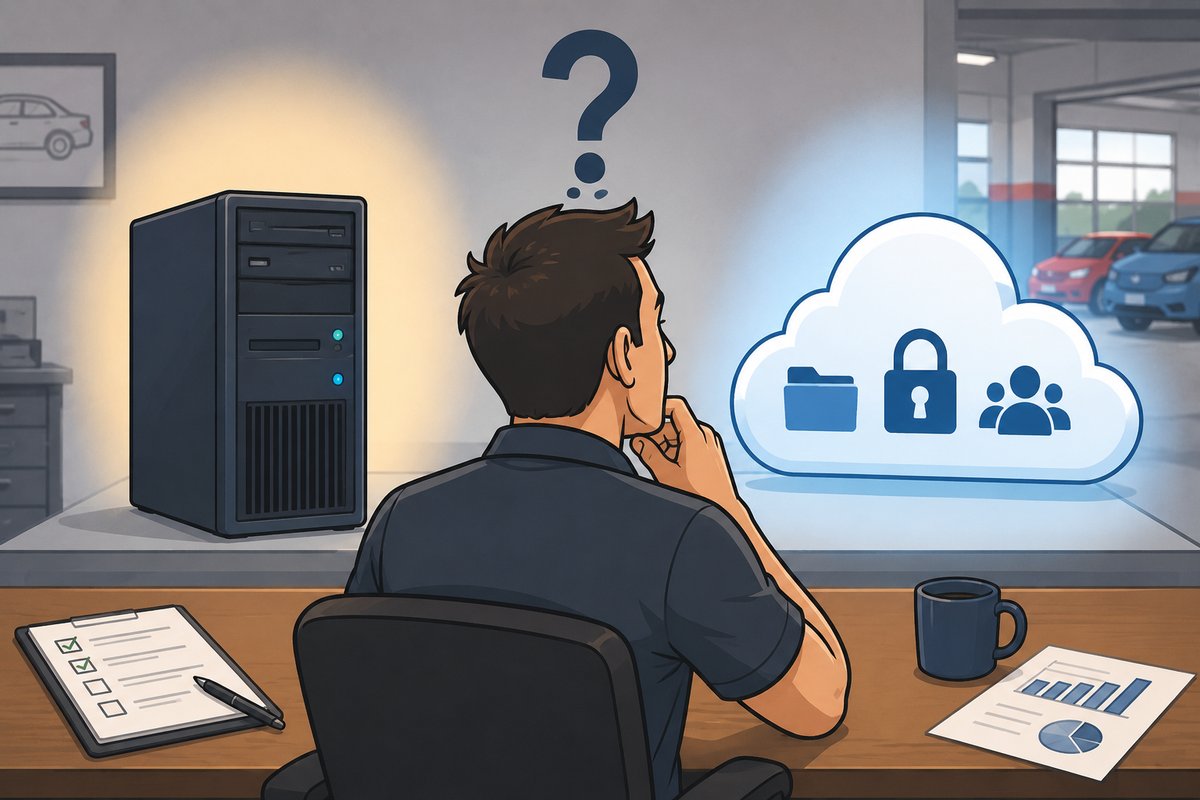
Many collision center owners eventually ask the same question: Should we move everything to the cloud?
The answer isn't as simple as choosing one over the other.
Today's collision centers depend on technology to manage estimates, communicate with insurance companies and customers, order parts, collaborate between locations, and keep daily operations moving. While cloud services have become more powerful and reliable than ever, not every application or workload belongs in the cloud.
For many growing collision centers, the best solution is a hybrid approach that combines cloud services with local servers where they make the most sense. The right strategy can improve reliability, strengthen cybersecurity, simplify collaboration across multiple locations, and eliminate many of the limitations that come with aging on-site equipment.
The goal isn't to move everything to the cloud. It's to build a technology environment that supports your business today while giving you the flexibility to grow tomorrow.
Why More Collision Centers Are Moving to the Cloud
The cloud has changed the way businesses use technology. Services that once required expensive hardware in your building can now be delivered securely over the internet, making it easier for employees to work together and for businesses to support multiple locations.
For collision centers, the biggest advantage isn't that the technology is newer. It's that the cloud removes many of the limitations of keeping everything at a single location.
As businesses grow, they often add new locations, hire more employees, and rely on larger amounts of data. Older servers may struggle to keep up with increasing storage requirements, growing email traffic, and the demands of modern business applications. Replacing that hardware every few years can also become expensive and disruptive.
Cloud services allow businesses to scale much more easily. Instead of worrying about running out of storage or replacing aging equipment, resources can grow alongside the business. Employees can securely access the information they need from multiple locations, collaboration becomes easier, and critical business services are no longer tied to a single piece of hardware sitting in one collision center.
For multi-location businesses, this can significantly improve reliability while reducing the risks associated with aging infrastructure.
Cloud vs. On-Premises: What's the Difference?
The biggest difference comes down to where your technology lives and who is responsible for maintaining it.
With cloud services, the infrastructure is hosted in professionally managed data centers and accessed securely over the internet. Updates, redundancy, and scalability are built into the service, allowing businesses to expand without continually replacing hardware.
With on-premises servers, the equipment is located inside your collision center. You have direct control over the hardware and certain applications can perform better because they run locally within the building.
Neither approach is automatically better than the other.
The right choice depends on the applications you use, how your business operates, and your long-term plans for growth.
| Cloud Services | Local Servers |
|---|---|
| Accessible from multiple locations | Located inside your collision center |
| Easy to scale as your business grows | Greater control over hardware |
| No large hardware replacement projects | Ideal for some specialized applications |
| Simplifies collaboration across locations | Continues operating locally even if internet-dependent cloud services are unavailable |
| Reduces dependence on aging equipment | Can provide the best performance for certain line-of-business software |
When Does It Make Sense to Move to the Cloud?
Not every system in your collision center needs to move to the cloud. The key is identifying which services benefit from greater flexibility and which perform better when they remain on-site.
For many collision centers, the cloud is an excellent fit for services that employees need to access from multiple locations or that benefit from automatic updates and scalability.
Examples include:
- Business email and calendars
- File sharing and document collaboration
- Data backup and disaster recovery
- Identity and user management
- Cybersecurity services
- Communication and collaboration tools
Moving these services to the cloud often improves reliability because they're no longer dependent on a single server located in one collision center. It also makes it easier to support multiple locations, onboard new employees, and expand as your business grows.
For businesses planning to open new locations or acquire existing shops, cloud services can significantly reduce the time and effort required to integrate employees and standardize operations.
When a Local Server Still Makes Sense
While cloud technology offers many advantages, it isn't the right solution for every application.
Many collision centers rely on specialized line-of-business software that performs best when it runs on a local server inside the building. These applications often require fast access to large amounts of data or are designed to communicate directly with equipment on the local network.
Although it's technically possible to centralize some of these applications in a single location and connect every collision center through a private network, that approach can introduce additional complexity, create performance challenges, and increase the impact of a single outage.
In many cases, maintaining a local server at each collision center provides the best user experience for these critical applications while allowing other business services to take advantage of the cloud.
The goal isn't to force every workload into one environment. It's to choose the platform that delivers the best performance, reliability, and long-term value for your business.
Why a Hybrid Approach Often Delivers the Best Results
For most growing collision centers, the best answer isn't choosing between cloud or on-premises infrastructure. It's using both where they make the most sense.
A hybrid environment allows businesses to move shared services, such as email, collaboration, backups, and identity management, to the cloud while keeping performance-sensitive applications on local servers.
This approach provides several advantages:
- Shared services remain available even if an individual location experiences a hardware failure.
- Employees at multiple locations can collaborate more efficiently.
- New locations can be integrated faster.
- Storage and capacity can grow without replacing expensive hardware.
- Critical applications continue to deliver the speed and performance employees expect.
Instead of replacing everything at once, many collision centers successfully transition to a hybrid environment over time, allowing technology investments to align with business goals rather than forcing unnecessary disruption.
The result is a more flexible technology strategy that supports today's operations while making future growth easier to manage.
Real-World Example: Choosing the Right Mix of Cloud and On-Premises Technology
One of our multi-location collision center clients had several critical business services running on a server located at one of their stores. As the business grew, that server became increasingly difficult to maintain. It was running on aging hardware, storage capacity was becoming a concern, and growing email traffic was putting additional strain on the system.
More importantly, it created a single point of failure.
Because those shared services were hosted at one location, an internet outage at that collision center affected employees across every location. Something as simple as a local internet disruption could impact communication and productivity throughout the entire organization.
Rather than replacing the aging server with another one, we evaluated how each system was being used and built a solution around the business instead of the technology.
Shared business services, including email and other collaboration tools, were moved to the cloud. This improved performance, increased storage capacity, eliminated concerns about aging hardware, and ensured those services remained available even if one location experienced an internet outage.
At the same time, we recognized that not every application belonged in the cloud.
Several of the collision center's line-of-business applications required a local server to deliver the performance employees depended on every day. While it would have been technically possible to centralize those applications on a single server and connect every location through a private network, doing so would have increased complexity, created another potential point of failure, and could have negatively impacted application performance.
Instead, each collision center retained a local server for those business-critical applications while shared services were delivered through the cloud.
The result was a hybrid technology environment that improved reliability, increased scalability, reduced dependence on aging equipment, and provided a stronger foundation for future growth.
Questions to Ask Before Moving to the Cloud
Before making any significant technology changes, it's important to evaluate how your collision center operates today and where you want it to be in the future.
Ask yourself these questions:
- Which business services would benefit from being available from every location?
- Which applications require a local server for the best performance?
- Is our current infrastructure limiting growth or creating unnecessary risk?
- How would an internet outage at one location affect the rest of the business?
- Are we spending money maintaining aging equipment that no longer meets our needs?
- Will this technology strategy support additional locations in the future?
- Are we improving the business, or simply replacing old hardware?
The answers to these questions will help determine whether a cloud, on-premises, or hybrid approach is the best fit for your collision center.
Conclusion
Moving to the cloud isn't about following the latest technology trend. It's about building a technology strategy that supports the way your collision center operates today while preparing for tomorrow's growth.
For many businesses, the right answer isn't choosing between cloud services and local servers. It's using each where it delivers the greatest value.
Cloud services provide flexibility, scalability, and resilience for shared business systems, while local servers continue to play an important role for specialized applications that require on-site performance.
A thoughtful hybrid strategy gives collision centers the best of both worlds: reliable access to the services employees need every day, strong performance for critical business applications, and a technology foundation that's ready to grow as the business expands.
Whether you're opening a new location, replacing aging infrastructure, or planning for future acquisitions, making the right technology decisions today can help your collision center operate more efficiently and avoid costly disruptions down the road.
Tech Marvel provides managed IT services for collision centers across Morris County and Northern New Jersey.
Has your collision center outgrown “the IT guy”? Get the free guide: 10 Signs You’ve Outgrown “The IT Guy” →