Managed IT Services for Collision Centers in New Jersey
Has Your Growing Collision Center Outgrown the Way IT Is Being Handled?
You added locations, employees, estimating systems, phones, Wi-Fi, cameras, insurance portals, and vendors. But IT kept getting handled the same way. Tech Marvel gives growing collision centers one accountable technology partner for every location.
Prefer to talk? 862-201-5710

FREE GUIDE
The Morris County NJ Business Owner’s Guide To I.T. Support Services And Fees
Have You Outgrown “The IT Guy”?
Most growing collision centers didn’t choose informal IT support on purpose. It grew along with the business. What worked for one shop just kept stretching to cover more.
That isn’t a failure. It’s what success looks like from the inside.
Your collision center may not have an IT problem. It may have a growth problem.
The same problems keep coming back
The same issues show up at the same shops, week after week.
Every location is different
Only one person really knows how each shop is set up.
No proven recovery
Backups are “running,” but nobody has shown you a successful restore.
You still get the call
When something breaks, it still ends up on your phone.
When Everyone Helps With IT, Nobody Owns It
CCC is crawling at one shop. Phones are dropping calls at another. The software company says it’s the network. The internet provider says the circuit looks fine. Your usual computer person can’t get there until the afternoon, so you spend the morning on hold, playing referee.
Each vendor owns its piece.
Nobody owns getting the shop back to work.
That’s the gap Tech Marvel is built to fill.
You didn’t get into the collision repair business to manage technology. You got into it to build a great company, serve your customers, and create opportunities for your employees.
We believe growing collision centers deserve professional IT that keeps the business running as reliably as you repair your customers’ vehicles.
One Accountable Technology Partner for Every Location
We understand how the pieces fit together: estimating workstations, networks, Wi-Fi, phones, email, cameras, insurance portals, and the vendors behind each one. We take ownership of getting problems resolved and explain the choices in plain English.
Supporting New Jersey businesses since
Hands-on technology experience
One IT standard across every site
Based in Morris County, serving all of New Jersey
Day-to-Day Support
Computers, email, printers, scanners, Wi-Fi, account lockouts, and estimating workstations.
Help desk support →Managed IT + Standards
Monitoring, patching, onboarding, offboarding, documentation, and consistent setups across locations.
Managed IT services →Cybersecurity
MFA, email protection, endpoint security, firewall management, and cleaner access control.
Cybersecurity →Backup + Recovery
Automated backups plus restore testing, so you know what recovery looks like before you need it.
Backup and recovery →Vendor Coordination
CCC, Mitchell, Audatex/Solera, internet, phones, cameras, accounting, and other technology partners.
Three Steps to Taking IT Off Your Plate
Walk Us Through Your Shops
We learn your locations, users, systems, vendors, and where technology slows you down.
Get a Practical IT Roadmap
We identify risks, eliminate guesswork, and show you what needs to change first.
Take IT Off Your Plate
We become the accountable partner managing your technology across every location.
Worried about the switch? Here’s what actually happens when you switch. It’s usually less disruptive than owners expect.
What Changes When Someone Owns IT
Good IT should feel almost unnoticeable day to day.
10 Signs You’ve Outgrown “The IT Guy”
Use the ten signs to see whether your current IT model is keeping up with your growth. The guide ends with a short self-assessment and practical next steps.
Send Me the GuideGet Your Free IT Roadmap
A practical conversation about your shops, your risks, and what we’d fix first.
Get started →Straight Answers for Collision Center Owners
Practical advice on the technology, security, growth, and day-to-day IT issues your shops deal with.
Is It Time for a Change?
Why Does Your Collision Center Keep Having Technology Problems? When Does a Growing Collision Center Need Internal IT? What Should a Technology Assessment Include?Growing + Adding Locations
How Much IT Support Does a Multi-Location Collision Center Actually Need? How Do You Standardize Technology Across Multiple Locations? How Do You Integrate a Newly Acquired Shop?Latest Articles
See all collision center articles →5 Ways AI Can Help Collision Centers Prepare for an IT Outage
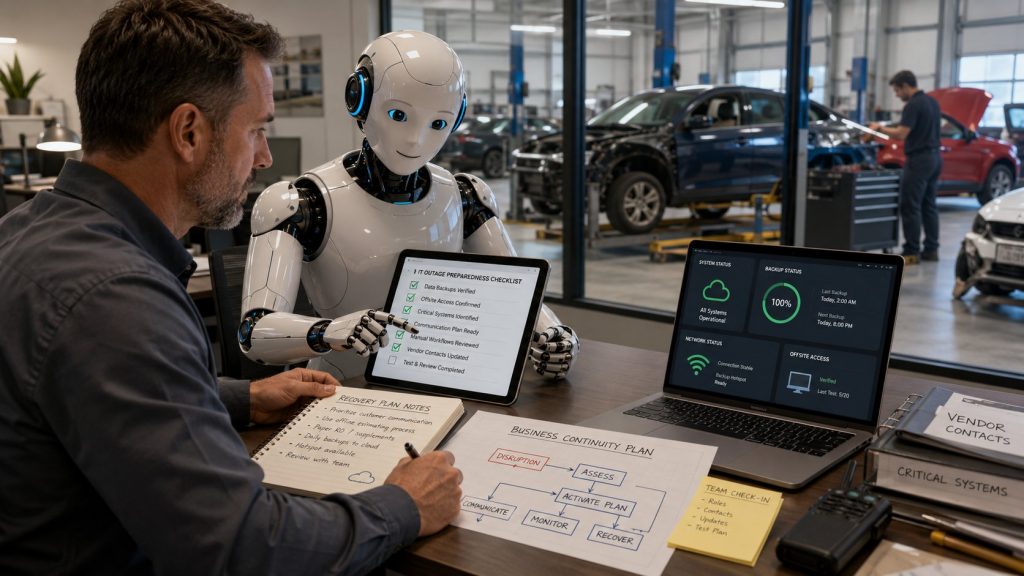
Most collision center owners know they should have some kind of plan for what happens when technology goes down. The problem is actually creating one. It's easy to say, "We'll figure it out if the …
Read MoreWhat Technology Should Be Planned Before Opening a New Collision Center Location?
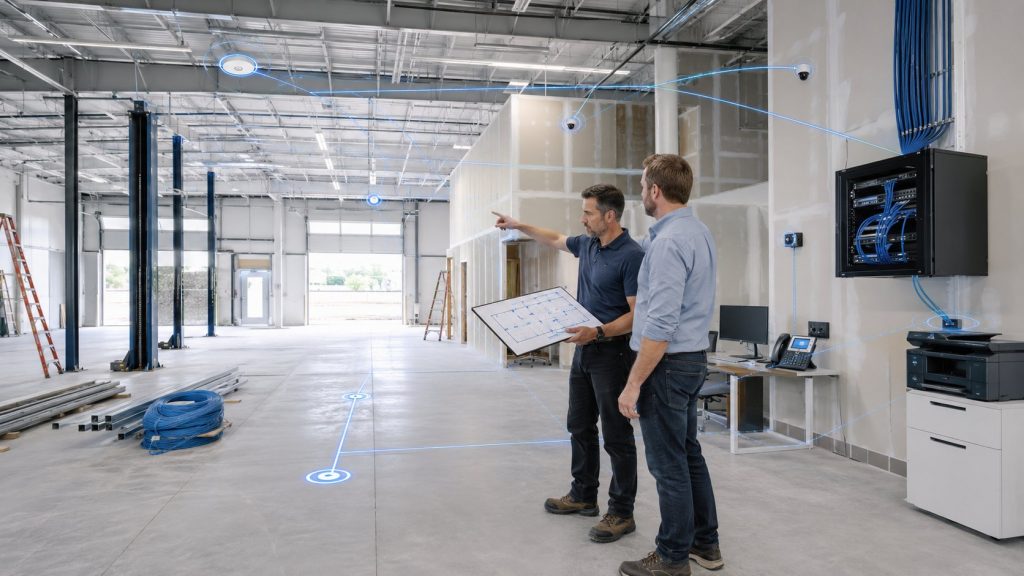
Technology planning for a new collision center should begin at least 60 to 90 days before opening, and sometimes earlier if the building requires new internet service, cabling, phone systems, cameras, or other infrastructure work. …
Read MoreWhat Internet and Wi-Fi Setup Does a Collision Center Actually Need?
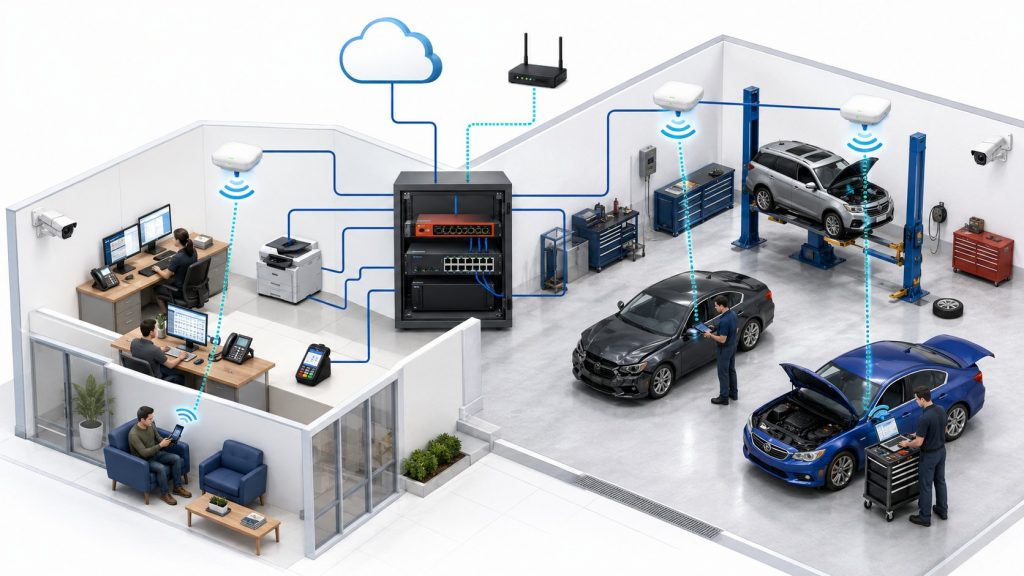
A reliable collision center network depends on five things working together: enough internet capacity, properly designed Wi-Fi, business-grade network equipment, separation between different types of devices, and a backup plan for internet outages. Fast internet …
Read More5 Overlooked Business Habits That Save Collision Centers the Most Time
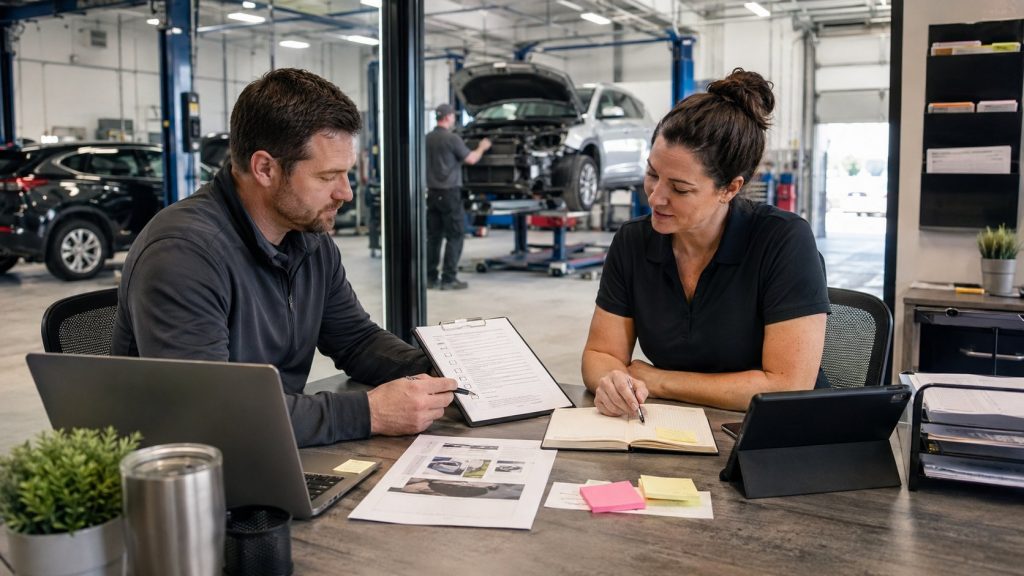
Everyone is looking for ways to save time. There's always another piece of software, AI tool or productivity app promising to make the business run more efficiently. Some of them are useful. But in a …
Read More
FREE REPORT
The Morris County NJ Business Owner’s Guide To I.T. Support Services And Fees
Collision Center IT Support FAQs
Do you support CCC, Mitchell, and Audatex?
Tech Marvel supports the technology environment that CCC, Mitchell, and Audatex run on, and coordinates with those vendors when a problem crosses over. The software company supports its own application. We handle everything around it: estimating workstations, network and Wi-Fi, Microsoft 365, user accounts, security, printers, and scanners. When something isn't working, we figure out whether it's the computer, the connection, or the software. If it's theirs, we open the ticket and stay on it with them so you don't have to. We don't develop or resell their software.
What happens when a vendor says the problem is the network?
Tech Marvel takes ownership of finding where the problem actually is and keeps working it until the shop is back to work. That's usually where things stall. We check the pieces we manage, bring in the internet provider, phone vendor, or software company with specifics instead of guesses, and keep you updated along the way. You shouldn't have to figure out which vendor to call before somebody helps you.
How do you standardize IT across multiple collision center locations?
Standardizing starts with documenting what each shop has, then agreeing on a common setup for computers, networks, Wi-Fi, security, backups, and user access. We don't rip everything out on day one. We move each shop to the standard as equipment gets replaced or projects come up, starting with whatever's causing the most trouble. The payoff is fewer surprises, easier support, and a playbook you can reuse for the next shop.
We already have someone handling IT. Do we have to replace them?
No. Many growing collision centers keep the person who knows their shops and add Tech Marvel for the monitoring, security, backups, documentation, and coverage that one person cannot provide alone. The real question is whether one person can realistically cover every location, every vendor, and every problem that shows up at a bad time. Sometimes a full handoff makes sense. Sometimes working alongside your current person does. We'll tell you what we think once we've seen how things are set up.
How do we know our backups will actually work?
The only way to know a backup works is to restore from it and confirm the data and systems come back usable. A “backup completed” message tells you the job ran. It doesn't tell you whether you could get a shop running again after a server failure or ransomware. We monitor backups, make sure cloud data like Microsoft 365 email is covered where it should be, and test restores so you know what recovery looks like before you need it.
Can you help with our cyber insurance application?
Tech Marvel helps collision centers answer the technical questions on cyber insurance applications and put the required security controls in place. Applications often ask about multi-factor authentication, backups, endpoint protection, email security, and who has administrator access. Those are hard to answer honestly when nobody's sure. We help you find out what's actually in place, close the gaps, and document it. Coverage and pricing are up to your insurer and broker, so we can't promise approval, but you'll go in with accurate answers.
Do you only work with collision centers in Morris County?
Tech Marvel is based in Morris County and supports collision centers throughout New Jersey. Most issues get handled remotely. When something needs hands on it, like a switch, a workstation, or Wi-Fi at a new shop, we come on-site.
What happens when I request a free IT Roadmap?
Your free IT Roadmap starts with a conversation about your locations, users, systems, vendors, and the technology problems that keep slowing your shops down. You walk us through how things work today. We ask questions, point out what we'd look at first, and tell you plainly whether we think your current setup is keeping up. If it makes sense to go further, the next step is an assessment and a practical roadmap. If it doesn't, you'll still leave with a clearer picture of where things stand.
Ready to stop being the person everyone calls when technology breaks?
Let’s map out what a more accountable IT model could look like for your shops.
Or call 862-201-5710