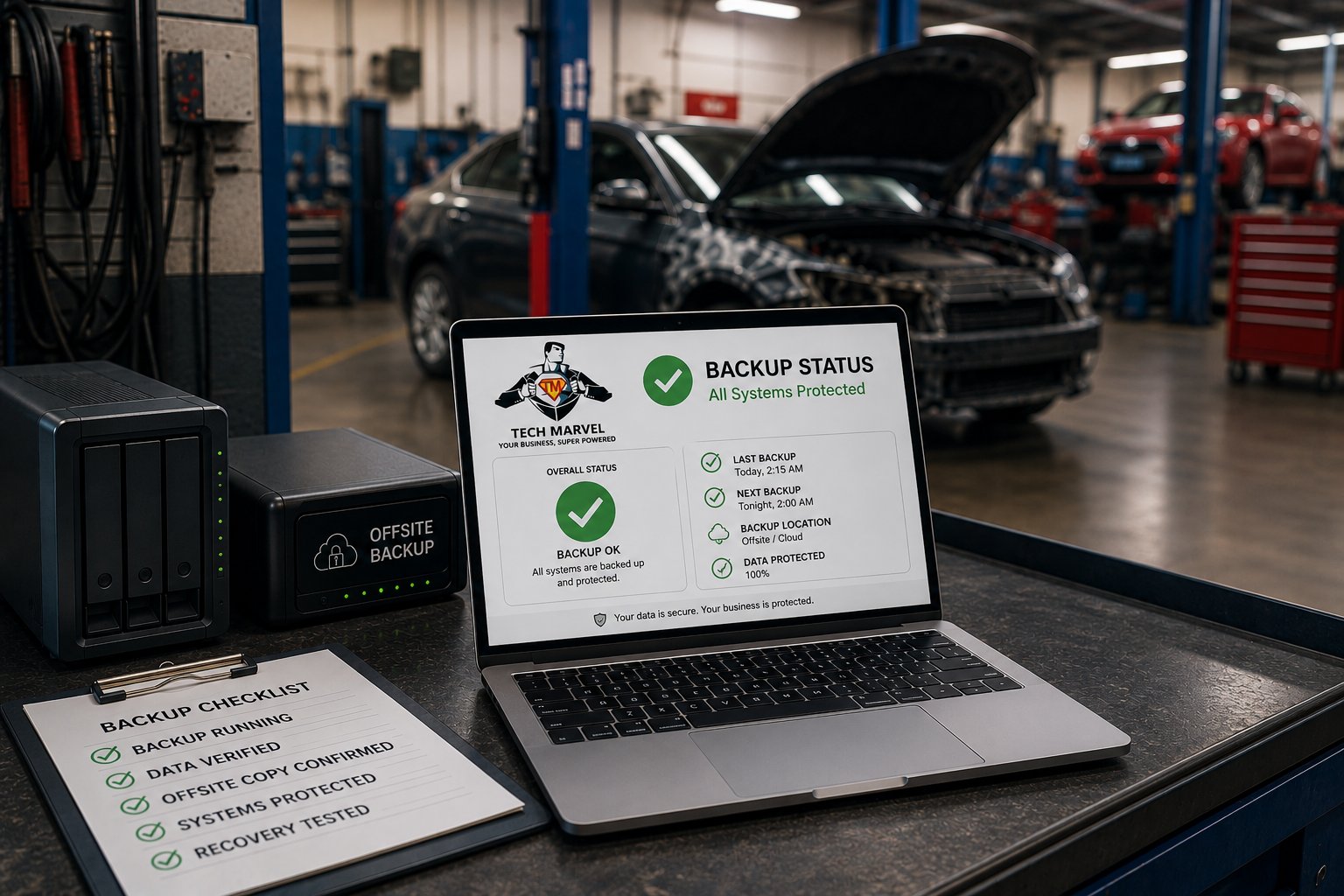
Most collision center owners feel confident their business is protected because someone told them their backups were configured. But having backup software installed isn't the same as knowing your business can recover after a server failure, cyberattack, or accidental data loss.
Every day, your collision center relies on technology to access estimates, customer information, repair photos, accounting data, emails, and operational documents. If those systems suddenly became unavailable, even for a few hours, productivity would slow, customer communication would suffer, and repairs could come to a standstill.
The good news is that data loss doesn't have to become a business disaster. A well-designed backup strategy can help your collision center recover quickly and minimize downtime. The key is making sure your backups are actually working long before you need them.
Why Reliable Backups Matter More Than Ever
Technology has become the backbone of nearly every collision center. From the moment a customer schedules an appointment to the time a repaired vehicle leaves the shop, your employees rely on systems that store and process important business information.
Your backup strategy isn't just protecting files. It's protecting your ability to operate.
Without access to your business systems, your team may struggle to:
- Access customer records and repair information.
- View estimates and supporting documentation.
- Retrieve repair photos.
- Communicate through email.
- Access accounting and financial records.
- Continue normal day-to-day operations.
While no business expects to lose its data, unexpected events happen every day. Hardware eventually fails. Employees accidentally delete files. Power outages occur. Cyberattacks continue to target businesses of every size.
The question isn't whether something unexpected could happen.
The question is whether your collision center could recover quickly enough to keep serving customers with minimal disruption.
The Biggest Backup Mistake Businesses Make
One of the most common misconceptions we hear is, "We have backups, so we're covered."
Unfortunately, that's not always true.
Having backup software installed doesn't guarantee your data can be recovered. Like any other piece of technology, backup systems require ongoing monitoring and maintenance. If something fails and no one notices, you may not discover the problem until you're trying to restore your data during an emergency.
We've seen businesses assume everything was working, only to discover that backups had stopped running weeks or even months earlier.
Common problems include:
- A backup drive that has failed.
- Backup jobs that are no longer completing successfully.
- Storage space that has been exhausted.
- Online backup services that have stopped syncing.
- Failed backup alerts that no one is monitoring.
- Backup software that hasn't been updated or maintained.
The unfortunate reality is that these issues often go unnoticed because businesses rarely need to restore data. It's easy to assume everything is working when nothing appears to be wrong.
That's why simply asking, "Do we have backups?" isn't enough.
A better question is: "How do we know our backups will actually work when we need them?"
The answer comes from proactive monitoring, regular testing, and a documented recovery process. A successful backup strategy isn't measured by whether backups are scheduled. It's measured by whether your collision center can recover quickly and continue serving customers after an unexpected event.
We cover how to practice this in the IT recovery drill every growing collision center should run.
What Every Collision Center's Backup Strategy Should Include
A dependable backup strategy is about much more than copying files to another device. It's about making sure your business can recover quickly when something unexpected happens.
Whether the issue is a hardware failure, accidental deletion, cyberattack, or natural disaster, your backup strategy should give you confidence that your critical business data can be restored without unnecessary delays.
Here are five components every collision center should have in place.
Multiple Backup Copies
Relying on a single backup creates unnecessary risk.
If that backup becomes corrupted, the storage device fails, or the backup itself is compromised, you may have nothing left to recover.
Maintaining multiple copies of your data provides additional protection and significantly improves your chances of recovering successfully.
Offsite Backup Protection
Keeping every backup inside your collision center isn't enough.
A fire, flood, theft, or ransomware attack can affect both your production systems and your local backups.
Maintaining an offsite copy of your data helps ensure your business can recover even if something happens to your physical location.
Continuous Backup Monitoring
Backups shouldn't fail silently.
Someone should be monitoring your backup system and investigating problems immediately when they occur.
Whether a backup stops running, a storage device fills up, or a hardware failure prevents successful backups, those issues should be identified and resolved long before they become an emergency.
Regular Restore Testing
One of the most overlooked parts of any backup strategy is testing.
Just because a backup completed successfully doesn't mean the data can actually be restored.
Regularly testing restores helps verify that your backups are usable, complete, and capable of getting your business back up and running when needed.
For our managed clients, we check every backup every day and test-restore files every month.
A Documented Recovery Plan
Recovering from data loss isn't just about restoring files.
Your team should know:
- Who to contact.
- Which systems should be restored first.
- How employees will continue working during the recovery process.
- How customers will be kept informed if operations are interrupted.
Having a documented recovery plan reduces confusion, minimizes downtime, and helps your collision center return to normal operations as quickly as possible.
A successful backup strategy isn't measured by how many backups you have. It's measured by how quickly and confidently your business can recover when something goes wrong.
Real-World Example: When the Backups Didn't Work
One of the most important lessons we've learned didn't come from a collision center. It came from a business that had hired us years earlier to install a new server and backup solution. After the project was complete, they managed their own IT.
Several years later, the business was hit by a ransomware attack that encrypted its server. Like many business owners, they weren't overly concerned at first because they believed they had backups.
Or so they thought.
As the recovery process began, they discovered their local backup had been writing to a USB hard drive that had failed weeks earlier. Because no one was actively monitoring the backup system, the failure had gone unnoticed.
Fortunately, they also had an online backup service. Unfortunately, that backup wasn't available either. The service had stopped after a billing issue, and no one realized the backups were no longer being stored offsite.
Instead of restoring their data and getting back to work, they were faced with a much more difficult reality.
Years of business information were gone.
Employees spent countless hours trying to recreate customer records, documents, and other critical files. Some information was recovered from emails and paper records, but much of it was lost permanently.
The ransomware wasn't the biggest failure.
The backup strategy was.
At three different points, there was an opportunity to prevent the disaster:
- The ransomware attack could have been prevented.
- The failed local backup could have been detected.
- The cloud backup service could have been restored before it was needed.
Any one of those safeguards likely would have prevented a major loss. Instead, several small failures combined into one catastrophic event.
This experience reinforced an important lesson that still guides how we approach backup and disaster recovery today: installing backup software is only the first step. Backups need to be monitored, maintained, and tested regularly to ensure they're available when your business depends on them.
The goal isn't simply to create backups. It's to know, with confidence, that they'll be there when your collision center needs them most.
That's the standard we hold ourselves to. You can see how we back up, check and test our clients' data.
Five Questions Every Collision Center Owner Should Ask About Their Backups
If you're not sure whether your backup strategy is ready for an unexpected event, start by asking these five questions.
1. How often are our backups running?
Your backups should run on a consistent schedule that matches your business needs. More importantly, someone should be verifying that those backups are completing successfully rather than assuming everything is working as expected.
2. When was the last time we tested restoring our data?
Backing up data is only half the process. If you've never restored files from your backups, you can't be certain they'll work when you need them most.
Regular restore testing helps identify problems before they become business interruptions.
3. Who is notified if a backup fails?
Backup failures shouldn't go unnoticed.
Whether it's a failed backup job, a full storage device, or a hardware issue, someone should receive alerts and investigate the problem immediately. Otherwise, a backup failure can remain hidden for weeks or months.
4. How long would it take us to recover from a major outage?
Recovery isn't just about whether your data can be restored. It's also about how quickly your business can resume operations.
Understanding how long it would take to restore critical systems helps set realistic expectations and identify opportunities to improve your recovery process.
5. Could we continue serving customers if our primary server failed today?
This is often the most revealing question.
If your answer is, "I'm not sure," it's worth taking a closer look at your backup and recovery plan before an emergency forces you to find out.
A reliable backup strategy isn't just about protecting your data. It's about protecting your ability to continue serving customers, supporting your employees, and keeping your collision center operating when the unexpected happens.
Conclusion
Most business owners don't think about their backups until something goes wrong. Unfortunately, that's also the worst time to discover they aren't working.
A reliable backup strategy isn't measured by the software you purchased or the hardware sitting in your server room. It's measured by how quickly your collision center can recover and continue serving customers after an unexpected event.
That means more than simply creating copies of your data. It means monitoring backups every day, testing restores regularly, and having a clear recovery plan that everyone understands.
The goal isn't to prepare for the most likely event. It's to be ready for the unexpected, whether that's a hardware failure, accidental deletion, cyberattack, or natural disaster.
If you can't confidently answer the question, "Do we know our backups will actually work?", it's worth taking the time to find out before you're forced to rely on them.
At Tech Marvel, we help collision centers build backup and disaster recovery strategies that are monitored, tested, and designed to keep your business running when the unexpected happens. Because when your customers are counting on you, confidence in your recovery plan matters just as much as confidence in your repairs.
Learn more about the IT support we provide for New Jersey collision centers, from estimating stations to shop Wi-Fi.
Has your collision center outgrown “the IT guy”? Get the free guide: 10 Signs You’ve Outgrown “The IT Guy” →