
By Ron Conti, Owner and Founder of Tech Marvel
It's December 2026, and the 2027 IT wish list on your desk is longer than the budget. The estimators at your busiest shop want faster computers because photo uploads drag. The front office at your second location keeps losing Wi-Fi in the back corner. A shop management add-on renews in March, someone forwarded you an article about MFA, and you're planning to open another location next summer. Every item has a reason behind it, and every one of them ended up with you.
The way to prioritize collision center IT spending is to sort every request by what waiting would cost the business. Fund now the problems that stop estimators, put customer or insurance data at risk, or keep coming back. Set money aside for costs you already know are coming, and let the items that only cause minor inconvenience wait a quarter.
If you're the one sorting that list, you feel frustrated because you're still the one everyone turns to when systems fail, even though your business has grown beyond that. You didn't get into the collision repair business to manage technology. You got into it to build a great company, serve your customers, and create opportunities for your employees.
A long list is usually a sign the business grew. One shop with a handful of people has a short list. Several locations, more estimators, more vendors, and more software produce a long one, and the old habit of fixing whatever is loudest stops working. If you're planning further out than next year, our post on how a collision center should build a 3-year IT budget covers the longer view. For 2027, three questions will sort most of the list.
1. Start With What Waiting Would Cost
The first dollars in a collision center IT budget belong to the problem that would cost the most if it waited another three to six months.
Compare two requests. The front-office laptop at your second shop is slow, but it's reliable and still gets security updates, so replacing it can probably wait. The internet connection that drops a few times a month is different. Every outage stops estimates from uploading, slows insurance communication, and leaves cars sitting in the lot waiting for approvals. One costs a few minutes of patience. The other costs cycle time.
For each item on the list, ask what another three or six months would look like. Would estimators lose time? Would customer updates or supplements get delayed? Could a manageable problem get more expensive to fix later? Our breakdown of the hidden costs of technology downtime for collision centers is a useful reference when you're putting numbers to those answers.
Recurring problems deserve extra weight, even when each one is short. A business we worked with had an internet connection that went down from time to time for years, and each time it took the phones, remote viewing of the security cameras, and every computer and mobile device on site down with it. We replaced a cheap network device sitting next to the internet provider's equipment, and the drops kept coming. We had the provider check its line, which looked fine, and we tested the router. The cause turned out to be a cable under too much strain. The connector on the end looked fine, but it had to be cut off and replaced, and everything worked after that. A cheap part can bring down your whole business, and a problem that keeps coming back belongs at the top of the list until someone finds the real cause.
Security gaps that expose customer or insurance information also go near the top. If any of your shops still sign in to email with only a password, that's usually an inexpensive fix with a large payoff. CISA's guidance on multifactor authentication says users who turn on MFA are significantly less likely to get hacked.
2. Set Money Aside for Costs You Already Know Are Coming
Predictable costs such as new hires, software renewals, and expiring warranties belong in the 2027 budget now, even when the bills will not arrive until later in the year.
Say you plan to add two estimators in the spring. They'll need computers, Microsoft 365 licenses, logins to your estimating and shop management systems, and access to the insurance portals your shops use. You aren't paying for any of that today, but you already know the expense is coming. The same goes for software contracts, extended warranties, and anything else with a date attached.
Knowing those dates early gives you room to move. You can spread purchases across quarters, set aside money for a large renewal, or push a less important project to the fall so the spring hiring doesn't collide with it. None of those options exist when the invoice is the first time anyone hears about the cost.
3. Fund the Technology Behind Decisions You've Already Made
When a collision center decides to open or acquire a location in 2027, the technology for that location belongs in the 2027 IT budget as soon as the decision is made.
A new shop brings a long list of questions: internet service and how long installation will take, Wi-Fi that reaches the production floor, estimating workstations, phones, printers and scanners, cameras, and access to the systems everyone else uses. An acquisition adds another wrinkle, because you inherit whatever setup the previous owner had and will probably want it to match your other shops. Our guide to what technology should be planned before opening a new collision center location walks through the details.
Leave those questions until opening week and you have less time to compare options, fix problems, or plan the cost. It also tends to mean the owner fields every one of those calls personally. Remote work for the front office, a new service line, or a new shop management module can create the same kind of surprise on a smaller scale. Coordinating all of it across shops is a big part of what collision center IT support should cover once you run more than one location.
How to Prioritize Collision Center IT Spending: Now, Next, and Later
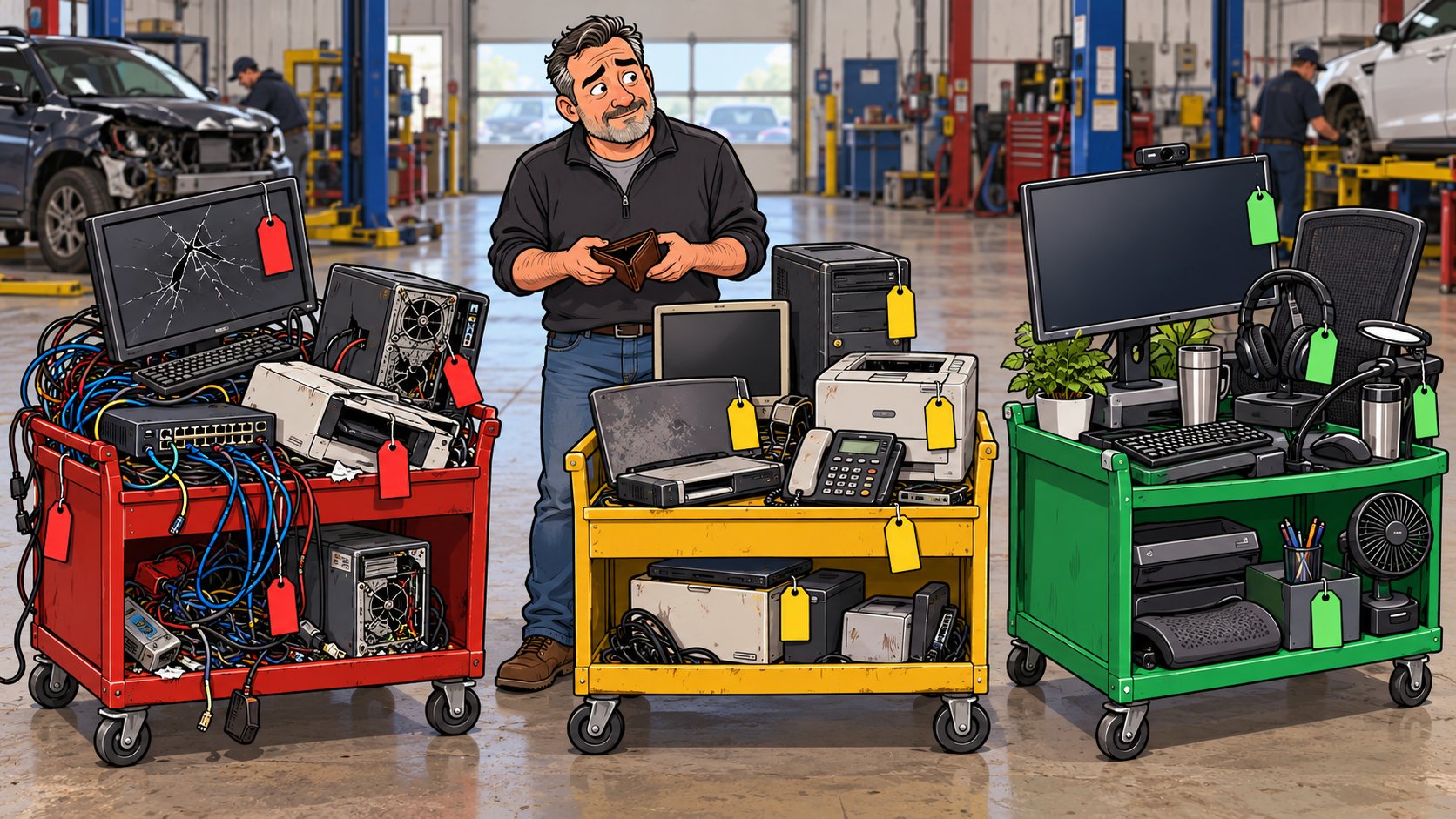
Every item on a collision center IT spending list fits into one of three groups: fund it now, plan and budget for it, or revisit it next quarter.
- Fund now: recurring outages, anything that stops estimators or insurance communication, security gaps around customer data, and equipment that has already failed once
- Plan and budget: new hires, renewals, warranties, a new location or acquisition, and replacements for equipment that's aging but still dependable
- Revisit next quarter: upgrades that would be nice, slow-but-reliable machines that still get security updates, and projects nobody can tie to a business problem
Without that sorting, the budget tends to go to whoever complains loudest. The connection that drops twice a month waits behind a monitor upgrade, the outage happens again during a busy week, and you're back on the phone with the internet provider while cars sit in the lot.
Know What Comes First and What Can Wait
A good collision center IT plan says what can wait as clearly as it says what needs attention now.
Growing collision centers deserve professional IT that keeps the business running as reliably as you repair your customers' vehicles. That includes being told honestly that some requests can sit for a quarter, so the money goes where waiting would hurt.
Tech Marvel helps growing New Jersey collision centers replace informal IT support with one accountable technology partner for every location. With more than 30 years of technology experience behind us, we've learned to find the real cause before spending money, which is exactly what solved that dropped connection.
Working with us takes three steps. Walk us through your shops and the list you're trying to sort. You'll get a practical IT roadmap that ranks your top risks, names the quick wins for the next 30 days, and lays out what to plan and budget for over the next 6 to 12 months, including what can wait. Then, if it makes sense, we take IT off your plate, so you can confidently grow your collision centers, serve your customers, and lead your team knowing every location is protected, productive, and supported by one accountable IT partner.
We're based in Morris County and support businesses throughout Northern New Jersey, with on-site help when a problem needs someone in the building.
Schedule Your Free IT Roadmap Meeting
Not ready for a call? Get the free guide, 10 Signs You've Outgrown 'The IT Guy'
Frequently Asked Questions
Should security spending always come first?
Not every security purchase is urgent, but gaps that expose customer or insurance information usually belong in the first group. Turning on MFA for email is a good example because it costs little and closes a common way in. A new security tool that duplicates something you already have can wait while you sort out what's actually covered.
How do I know if an older computer can wait another year?
Ask whether it's reliable, whether it still gets security updates, and whether the person using it is losing time. A front-office machine that's slow but dependable can often wait. An estimating workstation that freezes during photo uploads usually can't, because it slows every estimate that goes through it.
What if two shops need the same thing at the same time?
Fund the shop where the problem is costing more, usually the one with more estimating volume or the more frequent outages, and schedule the other for the next quarter. Buying the same equipment for both at once can also make support easier later, so it's worth comparing the cost both ways.