By Ron Conti, Owner and Founder of Tech Marvel
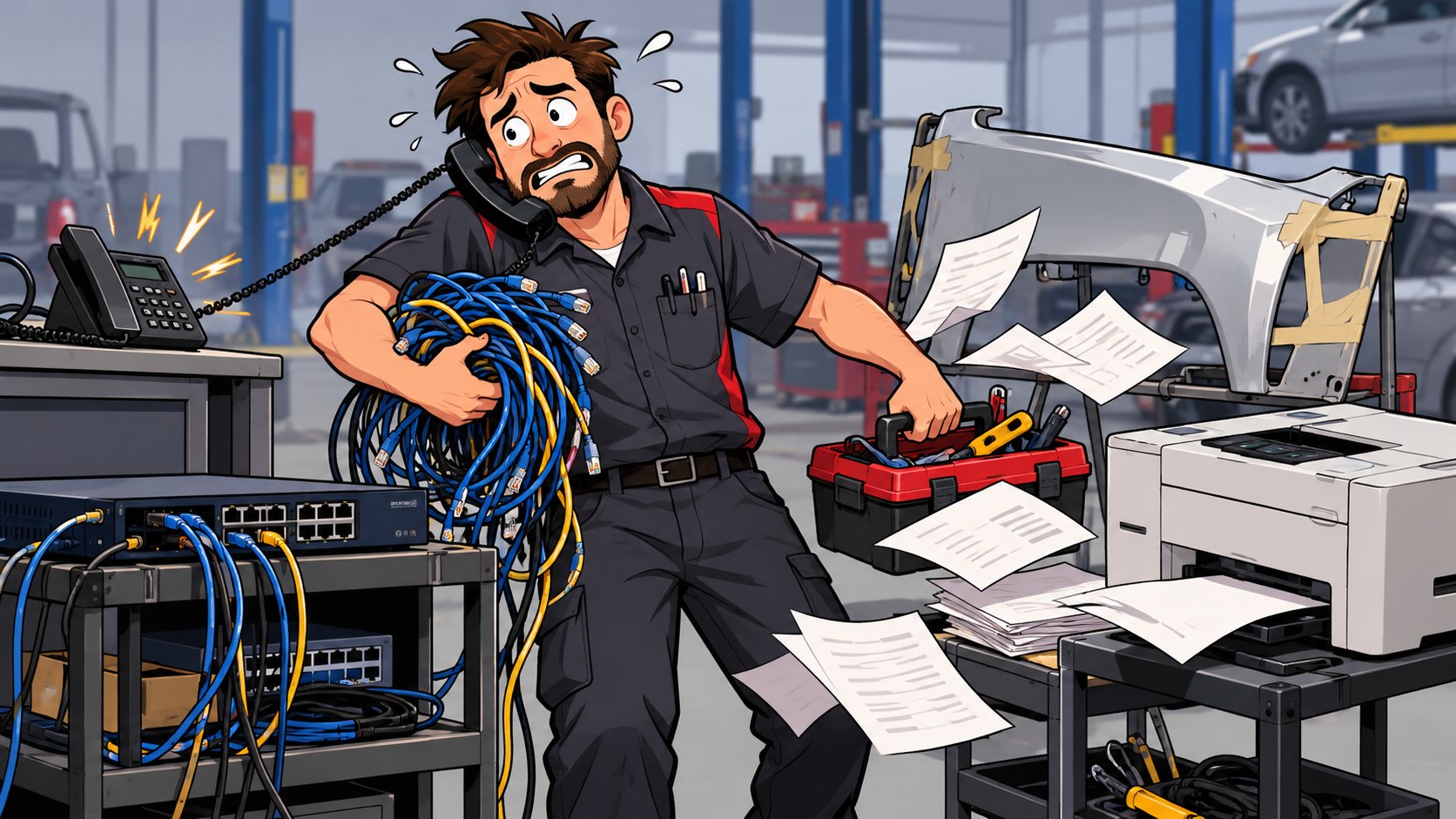
It's 8:15 on a Tuesday. CCC ONE is crawling at your second shop, the phones at the main location dropped twice before nine, and the person who usually handles your computers can't get there until the afternoon. So you, the owner, spend the morning on hold with the internet provider while two estimators wait and a customer asks why the supplement hasn't gone to the insurer yet.
Your collision center has outgrown the IT guy when technology problems reach you faster than they reach a fix. That usually happens after you add a second or third location, more estimators, and more vendors, while IT is still handled by one person, an employee, or whoever happens to know computers. The fix is a support model built for the business you run today, with one accountable partner who owns the whole environment.
The way you handled IT probably worked well when you had one shop. Your business grew, and the support behind it stayed the same size.
What It Looks Like When a Collision Center Has Outgrown the IT Guy
A collision center has outgrown the IT guy when the same problems keep coming back and every serious one ends with the owner. It usually shows up as a pattern of small interruptions that add up over a month.
An estimator can't get into an insurance portal because a password expired and nobody knows who manages that account. The front office spends twenty minutes rebooting a printer that has jammed every week since spring. A technician asks for Wi-Fi in the back bay, and the answer is "we've been meaning to look at that." When CCC ONE says there's no internet connection but web pages load fine, the software company blames the network, the internet provider says the line tests clean, and your IT person suspects the software.
Each of those people owns a piece of the problem, and nobody owns getting the shop back to work, so it lands on your desk. When that happens week after week, you feel frustrated because you're still the one everyone turns to when systems fail, even though your business has grown beyond that. You didn't get into the collision repair business to manage technology. You got into it to build a great company, serve your customers, and create opportunities for your employees.
Why the Setup That Worked for One Shop Stops Working at Three
Growth adds locations, users, and vendors faster than one person can document and support them. A single shop with eight computers and one internet line is something a capable employee or a local consultant can keep in their head. Three shops with different firewalls, different phone vendors, two estimating platforms, cameras, shared drives, and a few dozen user accounts are a different job.
A collision group we worked with ran into this across six locations. Over time every shop had evolved differently: computers of different ages, inconsistent servers, varying software versions, and security policies that weren't standardized. Email delivery could take hours, Wi-Fi coverage was unreliable, and employees regularly lost their network connections. Each location needed its own support procedures. Tech Marvel assessed every location, built a long-term technology roadmap, replaced aging computers and network equipment, standardized configurations, strengthened cybersecurity, and redesigned the wired and wireless networks. Email delivery went from hours to seconds, dropped Wi-Fi connections were eliminated, and technology and security standards became consistent across all six locations.
That's the risk with informal IT at a growing company: the knowledge lives with one person, and the setup at each shop drifts a little further from the others every time something gets fixed in a hurry. If you've added a location or you're looking at an acquisition, ask yourself whether the way you handle IT today would hold up with two more shops. If you've seen the same problems repeat, it's worth reading why collision centers keep having technology problems.
Five Questions That Tell You Where You Stand
Five plain questions will show whether your current IT support still fits the size of your collision center. You don't need a technical background to answer them, and a "not sure" counts as an answer.
- When something breaks at any shop, does everyone know who to call, and does that person respond the same morning?
- If your IT person were out for two weeks, could someone else find the passwords, vendor contacts, and network details for every location?
- Has anyone restored data from your backups in the last few months to prove they work?
- Who has administrator access to your email, estimating workstations, and network equipment, and is that list current?
- When two vendors disagree about whose problem it is, who keeps working it until the shop is running again?
Most owners answer the first question quickly and slow down on the second, which is normal. The person handling IT usually knows a lot, but it's stored in their head, on sticky notes, or in an email thread from three years ago. Writing it down is one of the first things that changes when a business moves to a more formal support model, and it's the part that protects you if that person moves on.
If you answered "me" to the last question, or "I'm not sure" to two or more of the others, the business has likely outgrown the way IT is being handled. CISA's Cyber Essentials guidance for small business leaders makes a similar point from the security side: leaders should know how much of their operation depends on IT and treat it as a business risk.
What Changes When You Move to Managed IT
Managed IT gives your collision center one partner who monitors, documents, and supports every location, and who coordinates the other vendors when problems overlap. The goal is fewer interruptions and fewer calls that end with you.
Tech Marvel helps growing New Jersey collision centers replace informal IT support with one accountable technology partner for every location. Our clients' systems are monitored around the clock, documentation is updated every quarter, backups get a test restore every month, and each client gets a quarterly roadmap meeting about what to fix, replace, or budget for next. When something urgent happens, our target is to start working on it within 15 minutes, and written response commitments are set in each client's agreement.
We don't develop or support CCC, Mitchell, or Audatex as a partner. Those companies support their own software. We manage everything around it: the estimating workstations, network, Wi-Fi, Microsoft 365, user accounts, security, printers, and scanners. When a problem crosses into their territory, we open the ticket with specifics and stay on it so you don't have to.
Moving to managed IT doesn't always mean replacing the person who's been helping you. Some growing shops keep that person and add a partner for monitoring, security, backups, and coverage. Others hand everything off. If you're weighing those options, our article on when a growing collision center needs internal IT walks through the tradeoffs. If the move itself worries you, read what happens when a collision center switches IT providers.
What Happens If You Wait
Waiting keeps the owner as the escalation point and lets the gaps between shops widen. Estimators lose an hour here and there. Cars sit a little longer because a supplement or parts order got stuck. A former employee keeps access to a portal because nobody had a checklist. None of it shows up on one invoice, and all of it slows the shop down. Growing collision centers deserve professional IT that keeps the business running as reliably as you repair your customers' vehicles.
Frequently Asked Questions
Do we have to fire our IT person to switch to managed IT?
No. Many collision centers keep the person who knows their shops and add a managed provider for monitoring, security, backups, documentation, and after-hours coverage. The right split depends on how many locations you have and how much that person can realistically cover.
How many locations does it take to outgrow informal IT?
There's no fixed number. Most owners feel it between the second and fourth location, or when the office, estimating, and management staff passes about 30 people, because that's when vendors, accounts, and setups multiply faster than one person can track.
How long does the switch take?
It depends on how much documentation exists today. The first weeks usually go to learning each shop, securing admin access, and writing down what's there, so day-to-day work keeps moving while the new support takes over.
Your Next Step
If two or more of those five questions gave you pause, the next step is short. Walk us through your shops, get a practical IT roadmap, and then let us take IT off your plate. The first conversation runs about 20 minutes, and you leave with a one-page plan showing where you stand, your top risks, quick wins for the next 30 days, and what to plan for over the next 6 to 12 months.
Tech Marvel is based in Morris County. We support collision centers across Northern New Jersey and the rest of the state, remotely for most problems and on site when a shop needs someone there in person. You can read more about Tech Marvel's collision center IT services or start with one of the options below.
Not ready for a call? Get the free guide, 10 Signs You've Outgrown 'The IT Guy'
Schedule Your Free IT Roadmap Meeting
Confidently grow your collision centers, serve your customers, and lead your team knowing every location is protected, productive, and supported by one accountable IT partner.