By Ron Conti, Owner and Founder of Tech Marvel
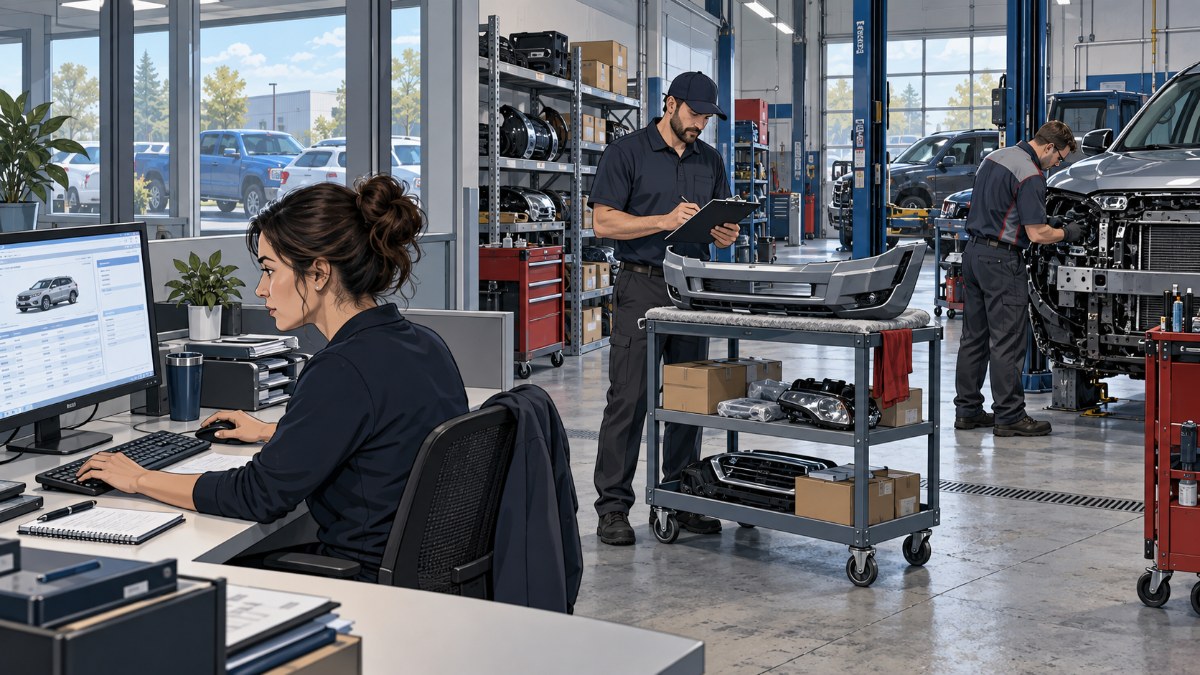
An estimator updates a repair plan, the parts team checks an order, and the front office prepares a customer update. All three may be working on the same vehicle in different systems. If one system has old information, somebody has to stop and find out why.
Your collision center depends on more than an estimating program. It depends on the software that organizes the repair, the connections that move information between programs, and the people responsible when a handoff fails. Understanding those relationships gives you a better starting point than collecting another list of software subscriptions.
You should be able to run the shop without becoming the messenger between every vendor. Here is how I would make that responsibility clearer.
Start with the work each application supports
Collision-center business software supports the steps that move a vehicle from the initial estimate through repair, documentation, and payment. Programs built around those daily business tasks are often called line-of-business applications. Start with what your employees need to accomplish, then write down which system they use.
Walk through one repair with your estimator and production manager. Include these functions, even when several live inside the same product:
Estimating and supplements: recording damage, proposed repair work, and changes discovered during the job.
Repair management: tracking repair orders, assignments, production status, and supporting documents.
Parts: checking availability, placing orders, and matching received parts and invoices to the repair.
Repair information: accessing vehicle manufacturers' procedures and relevant scan or calibration documentation.
Insurer and customer communication: exchanging requested information and giving people an accurate repair status.
Accounting and payment: carrying the completed job into invoicing, payment, and financial records.
Your shop may use one platform for several functions and separate websites for others. For example, CCC describes its shop-management offering as connecting estimating, shop management, and invoicing, including supporting documentation. That is a public product example, not a claim that every shop has those features configured or licensed.
Follow the information between systems
A useful software map shows where repair information starts, where it must go, and how it gets there. The connection that allows programs to exchange information is often called an integration. Some exchanges happen automatically; others still depend on an employee exporting a file, uploading a document, or entering information again.
Take one common handoff, such as an estimate moving into the management workflow. Ask which information should arrive, what triggers the transfer, where employees confirm it, and who notices if it fails. “The programs are connected” leaves too much unanswered.
Include the supporting pieces as well. The exchange may depend on a particular computer, a server, an employee's account, or an internet connection. Software that opens successfully can still have a broken handoff, so test the completed task rather than stopping at the login screen.
Separate product support from responsibility for the whole issue
A collision center needs both clear vendor responsibilities and a named person coordinating problems that cross those boundaries. The software company handles its proprietary product and vendor-side changes. Your IT provider handles the covered computers, network, access, and other local dependencies, and coordinates with the software company when those pieces overlap.
The shop also has a role. You approve access, licensing decisions, and operational changes, and your employees confirm whether the repair workflow actually works. Clear ownership keeps a support request from ending with three parties saying their individual piece looks fine.
For each important application, record the business owner at your shop, the vendor's support route, the IT dependencies, and the person who follows the issue through. Keep account credentials in an approved secure system, not in the shared map. The map should tell employees whom to contact without exposing passwords.
That coordination is part of how we approach IT support for collision centers. Tech Marvel can investigate the surrounding IT environment and coordinate the right vendor within the agreed scope. It does not mean we control the vendor's software or can promise its repair time.
Check each location before expanding a software workflow
A software rollout across collision centers must account for differences in each location's computers, servers, and application setup. A process that works at one shop may depend on something the next shop does not have. Growth can leave those differences hidden until a shared workflow exposes them.
In one documented collision-business project, estimate files needed to move through a management workflow used across approximately 100 desktops at eight locations. We coordinated the integration with the vendor and completed installations at four locations. Other locations needed separate decisions or infrastructure work because software setup and server condition differed.
That was not a completed rollout at every location, and it would be misleading to describe it that way. The useful lesson is that each site's readiness mattered to the same business workflow. Documenting what was ready and what still needed a decision made the next steps clearer.
If you operate several shops, use that map alongside your plan for standardizing technology across collision-center locations. The goal is to understand which differences affect the work before committing to a common process.
Review the workflow and verify the result
A practical application review follows one repair process, tests its handoffs, and assigns responsibility for unresolved problems. You do not need to replace every system to start. Choose a process that regularly pulls an estimator or manager away from the job.
Review: Have an employee show the actual steps, including workarounds. Record the programs, accounts, computers, and outside vendors involved. Ask what happens when the usual employee is absent or uses another workstation.
Verify: Check that the expected information reaches the next step accurately. After an agreed change, repeat the task with the people and equipment that depend on it. A successful installation is useful evidence, but it is not the same as a successful repair workflow.
Own the Outcome: Name the person coordinating follow-up, record what each party will do, and keep the issue open until the result or remaining limitation is clear. Product fixes remain with the vendor; coordination should still have an owner. This is the kind of responsibility to clarify when discussing managed IT services.
Give your team a clear next step
The first useful improvement is a shared understanding of one important software workflow and who supports it. Pick a repair in progress and write down its systems, handoffs, and support contacts. When a responsibility is missing, you have a concrete question to resolve before the next interruption.
The better outcome is a team that knows where information belongs and whom to call when it stops moving. Your managers can spend less attention routing support requests and more attention on the work in the shop, without assuming that every software problem can be prevented.
If your New Jersey collision center needs help understanding those dependencies, Schedule a Free 20 Minute Automotive IT Risk Review. We can discuss where software and IT responsibilities meet and what deserves a closer look.