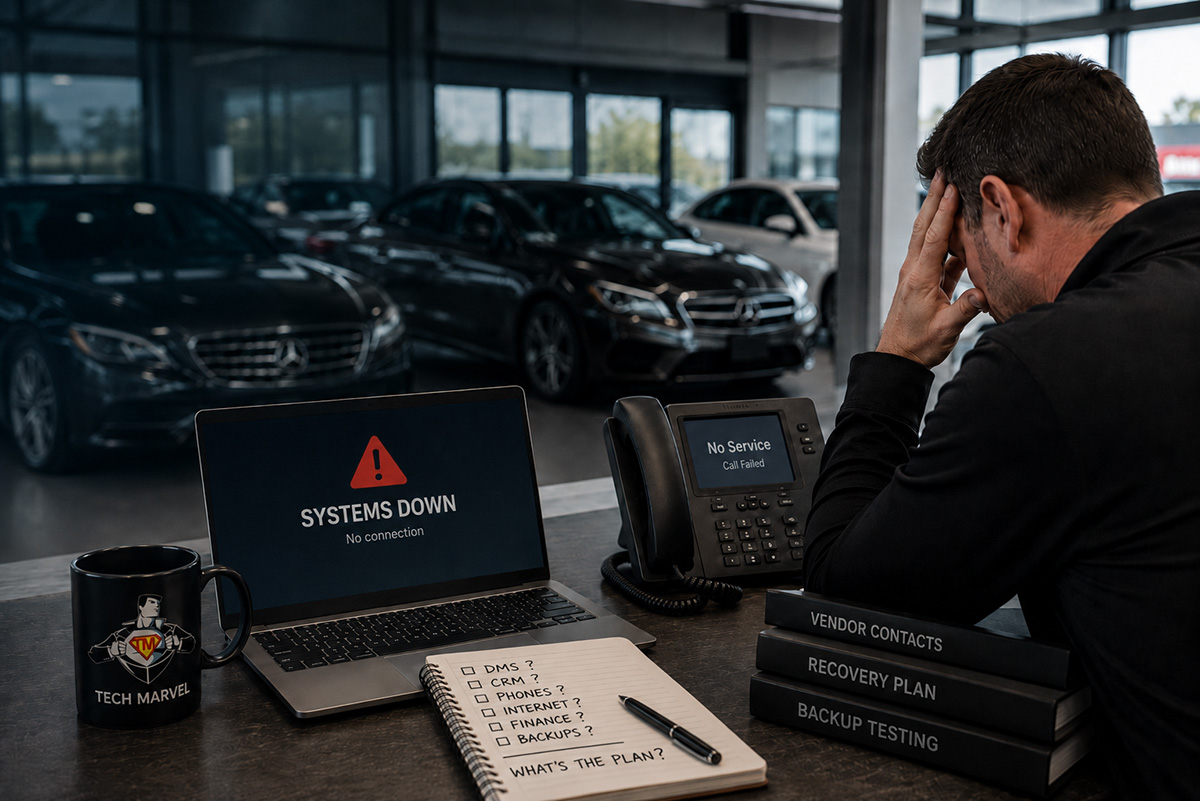
Your dealership’s systems suddenly stop working.
Sales cannot reach the customer relationship management system. Finance employees cannot access important documents. Service advisors are waiting for information, and accounting is trying to determine whether shared files and reports are still available.
The General Manager wants an update. The Dealer Principal wants to know when everything will be running again. Meanwhile, several technology vendors are trying to decide who owns the problem.
That is not the time to discover whether your backups work—or whether anyone knows the recovery plan.
A recovery test is similar to a fire drill. You practice before the emergency so everyone understands what should happen, which systems matter most, who needs to be contacted, and where the process may fail.
Having Backups Does Not Mean the Dealership Is Ready to Recover
A backup is a copy of information.
A recovery plan explains how the dealership will use that copy to get employees working again.
That distinction matters because an auto dealership is not running one simple office system. Sales, service, parts, finance, accounting, and management may depend on different applications, vendors, internet connections, phones, and cloud services.
Some information may be stored on dealership servers or computers. Other information may be kept in Microsoft 365, Google Workspace, accounting systems, shared cloud storage, or locally installed applications.
The dealership may also depend on vendor-hosted platforms such as the dealer management system, CRM, lender portals, OEM systems, service applications, and other industry-specific tools.
Your IT provider may not be able to restore a vendor’s hosted system directly. Someone still needs to identify what is affected, contact the right vendor, provide the information needed to move the issue forward, coordinate the response, and keep dealership leadership informed.
Without that ownership, an outage can quickly turn into another round of vendors blaming one another while employees wait.
Start With the Systems the Dealership Needs Most
One of the first questions we ask is not simply, “What is backed up?”
It is, “What does the dealership need first in order to operate?”
The answer may be different for every dealership.
Internet access and employee accounts may come first because so many other systems depend on them. Finance may need access to current documents and lender platforms. Service advisors may need customer and repair-order information. Accounting may be facing payroll, month-end reporting, or another time-sensitive deadline.
The easiest system to restore is not always the one employees need first.
Leadership should set those priorities before an outage. Otherwise, the recovery order may be determined by whichever vendor responds first rather than by what matters most to the business.
For a multi-location dealer group, the discussion should also include whether another store can temporarily take over certain work. That may be possible, but it should not be assumed.
Locations often share cloud systems, employee accounts, phone platforms, internet services, or outside vendors. A problem affecting one shared service may interrupt several locations at once.
A recovery review should show which systems are shared, which locations can operate independently, and what employees would need in order to work securely from another store.
A Successful Backup Job Is Only the Beginning
Many businesses receive an automated report showing that a backup completed successfully. That is useful, but it does not answer the most important question:
Can the dealership recover usable information from it?
The most valuable part of a recovery test is restoring something.
That might involve recovering a folder of important documents, restoring a mailbox, opening a recovered accounting file, or testing a server recovery process in a controlled environment.
The purpose is not to create unnecessary disruption. It is to confirm that the information is complete, readable, and available in the way the dealership expects.
A backup may run every night while still missing an important folder, application, mailbox, or cloud platform. A test may also uncover an expired account, outdated documentation, or a process that depends entirely on one employee knowing what to do.
The first time a backup is tested should never be the day the dealership needs it.
For our managed clients, we check every backup every day and test-restore files every month.
These issues are much easier to address during a planned review than while sales, service, finance, and accounting are waiting.
The Recovery Plan Must Include Your Vendors
Dealership technology problems rarely stay within one company’s area of responsibility.
An internet interruption may affect phones, cloud applications, payment systems, Wi-Fi, and access to the DMS. A login problem may involve the dealership’s IT company, a software vendor, and the employee’s account. A server issue may expose a separate problem involving a backup or local application.
That overlap is why vendor coordination belongs in the recovery plan.
The dealership should know which company supports each critical system, how to open an urgent case, who is authorized to speak with the vendor, and what happens when several companies need to work together.
Contact information should also be stored somewhere employees can reach if the normal systems are unavailable. A vendor list saved only on the server that just failed will not be very useful.
Good IT support does not mean pretending every problem can be fixed internally. It means identifying who controls the affected system, bringing the right companies together, and staying involved until the issue is resolved.
The Dealer Principal, General Manager, or Controller should not have to spend the day passing messages between the DMS company, internet provider, phone vendor, and IT provider.
Employees Need a Communication Plan Too
Restoring technology is only one part of the response.
Employees also need to know what is happening, what they should do, and when they can expect another update.
Without direction, people begin creating their own workarounds. Employees may repeatedly contact different vendors, move sensitive information to personal accounts, or give customers conflicting explanations.
The recovery plan should identify who updates leadership, who communicates with employees, and how those updates will be delivered if email or the phone system is unavailable.
Departments may also need temporary procedures.
Sales may need a safe way to record customer information until the CRM returns. Service may need a method for documenting appointments or contacting customers. Finance and accounting may need guidance about which work can continue and which activities should wait.
The goal is not to create a complicated manual for every possible situation. It is to give employees enough direction to keep the dealership organized while the technical issue is being resolved.
What a Dealership Recovery Review Should Confirm
A useful review should leave leadership with practical responses to five questions:
- What information and systems are currently backed up?
- Has important information actually been restored and tested?
- Which systems must return first for the dealership to operate?
- Who manages the response when several vendors are involved?
- How will leadership and employees receive updates?
Uncertainty around any of these areas points to something worth reviewing.
That does not automatically mean the current process is bad. A successful dealership may simply have outgrown the way backups and recovery were originally handled.
The process that worked with fewer employees, fewer cloud systems, and one location may no longer match the dealership you are running today.
These are the same gaps we describe in the 4 most expensive backup assumptions New Jersey dealerships make.
Who Should Own the Recovery Process?
Dealership leadership should establish the business priorities, but leadership should not have to manage every technical step.
accountable IT provider should document the systems the dealership controls, confirm what is protected, test recoveries, coordinate vendors, explain the process in plain English, and keep leadership informed.
The dealership decides what matters most to the business.
The IT provider should handle the technical coordination and make sure important details do not fall through the cracks.
That's how we handle backups. Failure alerts come into our monitoring, and someone reviews every backup every day and fixes what they find.
After more than 30 years of working with business technology, we have found that recovery problems are not always caused by complicated technical failures. They are often caused by simpler issues: no one tested the backup, a vendor contact was outdated, responsibilities were never documented, or everyone assumed someone else owned the problem.
A planned recovery test gives the dealership a chance to uncover those weaknesses without the pressure of employees and customers waiting.
Run the Drill Before the Dealership Needs It
No dealership schedules a recovery test because it expects an outage the next morning.
The value of the test is knowing the dealership has a workable plan if something does happen.
You do not need to simulate every possible disaster. Start by identifying your most important systems, confirming what is protected, restoring something meaningful, and documenting who owns each part of the response.
That one exercise can show whether the dealership is prepared or simply assuming everything will work.
If you want to see what a real incident looks like, read what to do in the first 24 hours after a dealership cyberattack.
Review Your Dealership’s Recovery Readiness
Tech Marvel helps Morris County and Northern New Jersey auto dealerships review their backups, recovery priorities, vendor responsibilities, and business-continuity plans.
During a free 20-minute dealership IT review, we can talk through your locations, critical systems, current backup process, vendors, and recovery concerns. The conversation can help identify what is working, what may need attention, and what the dealership should test next.
Want to know where your dealership stands? Book your free 20-Minute Automotive IT Risk Review →