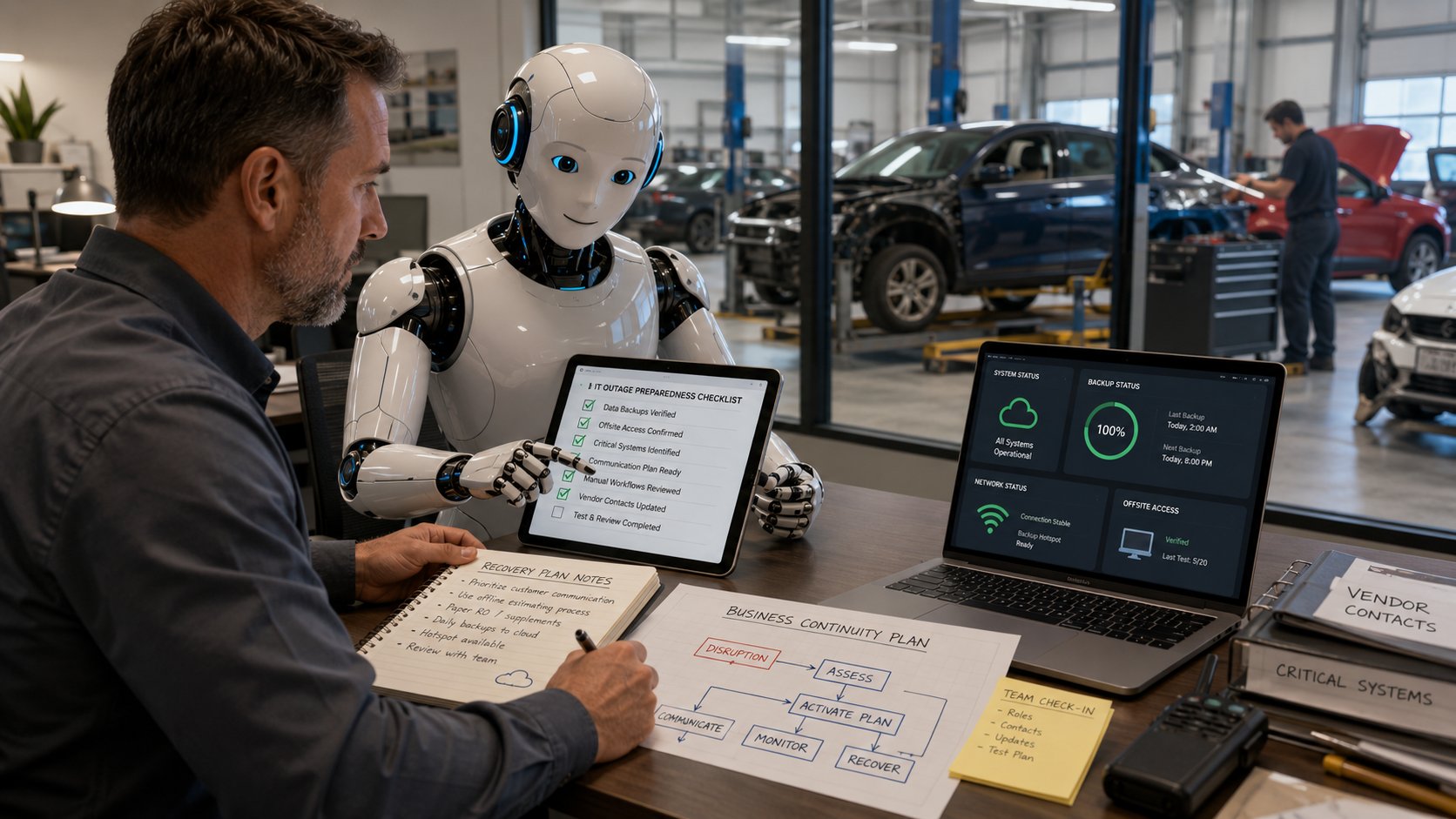
Most collision center owners know they should have some kind of plan for what happens when technology goes down.
The problem is actually creating one.
It's easy to say, "We'll figure it out if the internet goes down," or "Our backups are running." It's harder to sit down and document what happens if CCC is unavailable, employees can't reach insurance portals, phones stop working, or an entire location loses access to the systems it uses every day.
That's one place where AI can actually be useful.
Not because AI can run your collision center during an outage. It can't. But it can make the planning process easier by helping you get the first draft on paper, organize what you already know and ask questions you may not have thought about.
For a busy collision center, getting from a blank page to something your team can actually review is a pretty good start.
Here are five practical ways to use it.
1. Get Everyday Procedures Out of People's Heads
Every collision center has processes that only one or two people really understand.
A manager knows who to call if the internet goes down. An estimator knows the workaround when a certain system is unavailable. Someone in the front office knows how to reach the phone vendor. Another employee knows which insurer portal has a separate login nobody else seems to remember.
Usually, that works.
Until that person isn't there.
AI can help turn rough notes, bullet points or even a transcript of someone explaining a process into a usable first draft.
For example, you could document:
- What employees should do if CCC or Mitchell is unavailable
- Who contacts the internet or phone provider during an outage
- How customer communication is handled if the normal system is down
- What managers need to know if one location loses connectivity
- Who has authority to contact key vendors
- What needs to happen before employees can return to normal systems
The first draft won't be perfect. It shouldn't be treated as perfect.
The people who actually run the shop still need to look at it and say, "Yes, that's really how we would handle this."
But editing something is a lot easier than staring at an empty document.
2. Build an Outage Checklist Before You Need One
When systems are down, nobody wants to read a 20-page disaster recovery plan.
They want to know what to do next.
That's where a simple checklist can be much more useful.
Give AI the right context and it can help create a first draft for situations such as an internet outage, phone outage, ransomware incident, unavailable estimating platform or loss of access to shared files.
For a collision center, an internet outage checklist might start with questions like:
Can estimators still access the systems they need?
Can employees communicate with insurance companies?
Are the phones still working?
Can customers still reach the shop?
Can another location temporarily take over certain work?
Who contacts the internet provider?
Who contacts IT?
Who keeps management updated?
And at what point do you switch to a backup connection or another process?
That gives your team something concrete to review.
The important part is making it specific to your shops. A generic AI-generated disaster recovery checklist doesn't know your locations, your employees, your vendors or how repairs move through your operation.
Use AI to build the draft. Then make it yours.
3. Ask "What Are We Missing?"
This may be the most useful role AI can play.
Most people can think of the obvious problems.
What if the internet goes down?
What if we lose a server?
What if we get hit with ransomware?
The harder part is thinking through what happens next.
For example, suppose a collision center loses internet access for eight hours.
The obvious problem is that employees can't get online.
But then start working through the dependencies.
Can estimators reach CCC, Mitchell or Audatex?
Can supplements be submitted?
Can employees communicate through insurer portals?
Do your phones depend on the internet connection?
Can employees still access email?
Can customers receive updates?
Can credit card payments be processed?
Can another location help?
Who is keeping track of vehicles whose workflow was interrupted?
Those are the questions that turn an IT outage into a business continuity conversation.
AI is good at helping generate those questions.
You can describe your shop and ask something as simple as:
"What problems should a multi-location collision center think about if one location loses internet access for a full business day?"
You're not asking AI to make the decision for you. You're using it to make sure the discussion goes further than, "Well, hopefully that never happens."
4. Turn Technical Reports Into Something Leadership Can Use
Backup reports, security reports and recovery documentation can be technically correct and still be almost useless to a business owner.
A collision center owner usually doesn't need another page of technical terminology.
They need answers.
What happens if this fails?
How long could we be down?
What does this affect?
Can we recover?
Is there something we need to fix?
AI can help summarize technical information into plain English and pull out questions worth asking your IT provider.
That can be particularly useful when you're looking at backup documentation or an existing recovery plan and trying to figure out what actually matters to the business.
For example, a backup report may tell you that a job completed successfully.
The more important business question is whether the information your employees need can actually be restored quickly enough to keep the shop operating.
Those are two very different things.
Your leadership team shouldn't have to become IT experts. They should understand enough to make good business decisions and know when something deserves more attention.
5. Keep the Plan From Becoming a File Nobody Looks At
This happens all the time with disaster recovery plans.
Someone spends a lot of time creating one.
It gets saved.
Then the business changes.
A new estimator starts. Another location opens. You change phone providers. A vendor installs something new. A different shop management system gets introduced. Roles change. The person listed as the emergency contact leaves the company.
Two years later, someone opens the disaster recovery document and half of it is wrong.
AI can make the maintenance part easier.
You can compare an older plan with notes about what changed, update contact lists, reorganize procedures or identify sections that need another look.
That doesn't mean blindly accepting whatever AI changes.
Someone still needs to own the document and confirm that the information is accurate.
But keeping a plan current is a lot less painful when updating it doesn't mean rewriting the whole thing from scratch.
Where AI Stops
This is the part that matters.
AI can help you write the plan.
It can't prove the plan works.
It cannot test your backups and confirm that your data can actually be restored. It cannot tell you with certainty how long recovery will take in your environment. It cannot test your backup internet connection under real conditions or coordinate your software, phone, internet and IT vendors during an actual outage.
That takes people.
If your plan says your systems can be restored in four hours, somebody needs to verify that.
If you're counting on a backup internet connection, test it.
If another collision center location is supposed to take over certain work during an outage, make sure everyone understands how that would actually happen.
A beautifully written disaster recovery plan that has never been tested is still just a document.
Start With the Outage That Would Hurt the Most
You don't need to create a plan for every possible disaster this week.
Start with something realistic.
Ask your leadership team: If one of our locations lost its technology for an entire business day, what would stop?
Then work through it.
Estimating.
Supplements.
Insurance communication.
Customer communication.
Phones.
Email.
Accounting.
Shop management.
Access to files.
Production.
Once you understand those dependencies, it becomes much easier to decide what needs a backup plan and what should be tested.
AI can make that conversation easier and help you get the first version documented.
But the real goal isn't having a disaster recovery document.
It's knowing that when something goes wrong, your employees know what to do, the right people own the problem, and technology doesn't bring the entire repair process to a stop.
For growing collision centers, especially those operating multiple locations, that becomes increasingly important. The systems that were manageable when the business was smaller can become a lot more complicated once several shops, vendors, estimating platforms and communication systems are involved.
Strong IT support for collision centers in New Jersey should include more than fixing computers when they break. Someone should understand how those systems fit together, help test the recovery plan and take ownership when something actually goes wrong.
Schedule Your Free 20-Minute IT Review
In 20 minutes, we can talk through your locations, systems, backups, vendors and what would happen if an important part of your technology stopped working.
You'll leave with a clearer picture of what's already covered, what may need attention and whether your current recovery plan is ready for a real outage.