By Ron Conti, Owner and Founder of Tech Marvel
Picture the controller next June, working through the month's invoices. Two service advisor workstations died in the same week and had to be replaced on a rush order. The CRM bill went up because seats were added for the new BDC hires. There's a Microsoft 365 renewal covering more licenses than anyone can account for. None of it was in the budget approved over the winter, and the general manager wants to know why.
Most unexpected IT costs at an auto dealership are predictable months in advance. They usually come from budgeting off last year's total, running equipment until it fails, letting software renewals and user licenses renew without review, and planning dealership growth separately from technology. Closing those four gaps before the budget is finalized gives leadership a number it can actually rely on.
If you're putting together next year's numbers this month, here are the four mistakes I see most often and what to check before you sign off. For the step-by-step process of building the budget itself, see how to create a technology budget for your auto dealership.
1. Budgeting Off Last Year's Number
Last year's IT spending shows what already happened. It cannot account for the contract renewals, aging equipment, and new hires coming next year.
Taking last year's IT total and adding a few percent is quick, but it doesn't know your DMS contract comes up in March, that half the laptops in sales are five years old, or that you're adding service bays in the fall.
A dealership's technology spending moves with the business. Hire more salespeople or build out the BDC and you need more devices, Microsoft 365 licenses, and CRM seats.
Before you finalize the number, put these on paper:
- Every recurring contract and its renewal date: DMS, CRM, phones, internet, Microsoft 365, cybersecurity, and backup
- Every computer, printer, and network device, with its age and the department that uses it
- Staffing plans by department for the coming year
- Projects leadership has already discussed, even informally
- Anything your cyber insurance carrier asked about that you couldn't answer cleanly
When a cyber insurance carrier asks about a control the dealership doesn't have yet, such as multi-factor authentication on every system or tested backups, putting it in place becomes next year's cost, whether or not anyone budgeted for it. Once the list exists, last year's total is still useful as a sanity check on the new number.
2. Using "It Still Works" as the Replacement Plan
Waiting for a computer to fail turns a planned purchase into an emergency, and at a dealership the emergency costs more than the hardware.
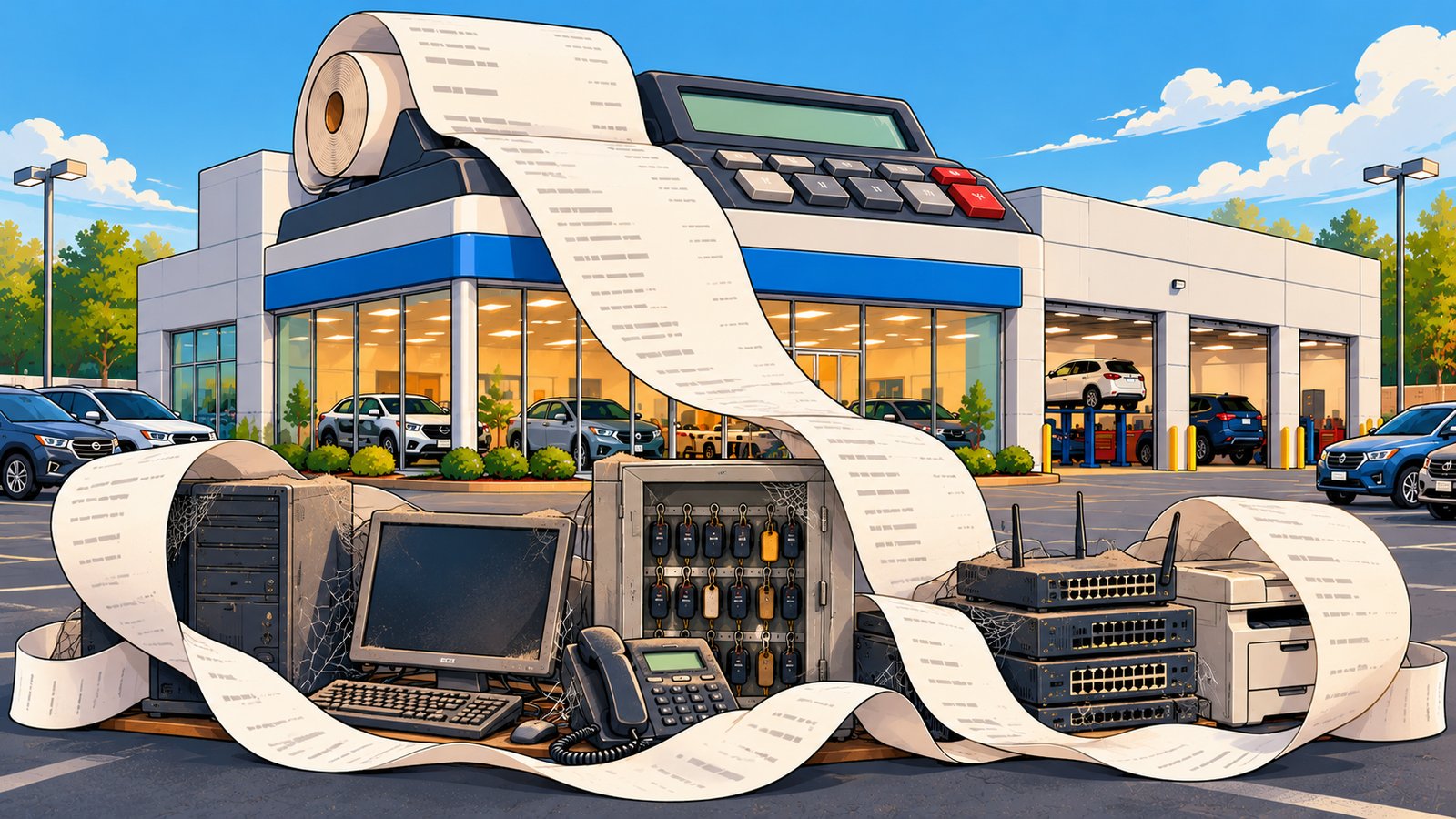
I've seen what this looks like at a dealership. The computer that ran one customer's key machine, the system that controls the locked drawer where vehicle keys are kept, was old, and one day it died. Nobody could find the keys to open the drawer manually, so every vehicle key was locked inside and the sales team couldn't take anyone on a test drive. We had to do some emergency surgery to get that computer running again, a band-aid to hold them over until they could get an up-to-date key machine computer. In the end they paid twice: once for the emergency service to get operational, and again for the upgrade they needed anyway.
Equipment like that is easy to leave off a replacement list, because nobody thinks of it as a computer until it stops. When one gives out, you pay rush prices while customers wait. A planned replacement costs you the computer. An unplanned one can cost you the computer twice, plus everyone's time.
The Windows 10 line item
Microsoft ended support for Windows 10 on October 14, 2025. Computers that weren't replaced could be enrolled in Microsoft's Extended Security Updates program, which costs businesses buying through Microsoft volume licensing $61 per device for the first year, doubles each year after that, and ends after three years. Year one began in November 2025, so the more expensive second year starts in November 2026. Every Windows 10 machine still in sales, service, or accounting is a line item that grows until it's replaced.
What I'd recommend is a simple replacement schedule: every device, including the ones that run equipment like a key machine, with its age, who uses it, and the year you expect to replace it. You just want to know which ones are close, so the replacement is already in the budget when the machine finally quits.
3. Letting Renewals and Licenses Run on Autopilot
Subscriptions and per-user licenses that renew automatically keep billing for people and tools the dealership no longer uses.
Auto-renewal means subscriptions keep billing long after anyone remembers why they were added, and dealership turnover makes that add up quickly. Salespeople come and go, and their Microsoft 365 licenses, CRM seats, e-signature accounts, and desking tools don't always leave with them. Add a phone line for an empty desk, and the monthly total creeps up without anyone noticing.
There's a security side to this, too. A license you're still paying for is often attached to an account that's still active, which can mean a former employee can still sign in. Vendor remote access works the same way: a remote-access tool or login set up for one vendor's project often stays in place long after the work is done, and nobody reviews it. If you're cleaning up licenses, it's worth looking at the accounts dealerships most often miss during employee offboarding at the same time.
A few habits keep this under control:
- Put every renewal date on a calendar 60 to 90 days ahead, so you have time to question it, negotiate it, or cancel it.
- Once a quarter, compare license counts in Microsoft 365, the CRM, and other per-user tools against your current employee list.
- Give every subscription a named owner who can say whether it's still being used.
Ownership matters for the subscriptions that protect you, too. We set up cloud backups for a nonprofit, the kind an attacker can't change or delete. Then the person who paid the bills left, payment to the backup company fell through the cracks, and the account was eventually deleted. When ransomware hit, the backups were gone, and they lost years of work.
4. Planning Growth and Technology in Separate Meetings
When growth plans are made without IT, the technology costs of a new rooftop, a renovation, or a hiring push show up after the budget is already locked.
At a lot of dealerships, leadership sits down in December to talk about next year: maybe a second rooftop, extended service hours, a bigger BDC, or a showroom renovation. IT finds out in March, when the contractor asks where the network closet should go.
By then, the technology costs are locked in. New internet circuits can have long lead times. A renovated building needs cabling, Wi-Fi, phones, and printers planned before the walls close (we put together a list of IT items to plan early when opening or renovating a dealership). New users need devices, licenses, and access to the DMS, CRM, and lender portals. When those conversations happen separately, they meet for the first time on an invoice.
Security obligations grow with the business, too. If your dealership finances or leases vehicles, the FTC's Safeguards Rule applies to you, and it expects your information security program to be kept current, including oversight of the service providers who handle customer information. More people, systems, and vendors mean more to protect, and those costs come back every year. (This is practical technology guidance, not legal advice; your attorney is the right person for questions about how the rule applies to you.)
Put technology on the agenda of that December planning meeting, and for each change on the list, ask what it will need from technology.
What a Dealership IT Budget Without Surprises Looks Like
A dealership IT budget without surprises covers every foreseeable cost, keeps a contingency for the rest, and has one person responsible for keeping it current all year.
A switch can still fail or a storm can take out a circuit, so keep a reasonable contingency for what you can't predict. Covering the foreseeable costs gives the controller a clear answer when the general manager asks where the money went.
If you're the controller, you may have caught yourself thinking, "I'm not the IT person, but somehow these problems keep ending up on my desk." That's a frustrating place to be when the bills come from a half-dozen vendors, each responsible for its own system. Everyone owns one piece, but nobody owns the outcome. Keeping the budget honest takes an owner: someone who will keep the list of devices, renewals, and licenses current all year and look at it outside of budget season.
Technology should help your dealership sell, finance, service, and deliver vehicles, not create more work for the people leading the business. That's part of how we support dealerships. We keep track of device ages, renewal dates, and license counts against the current staff list, and we raise what's coming up while there's still time to plan for it. Tech Marvel combines dealership IT experience with over 30 years of technology expertise to help New Jersey dealerships reduce downtime, strengthen cybersecurity, coordinate technology vendors, and get clear answers from one accountable local partner.
If you lead a dealership in Morris County or elsewhere in Northern New Jersey and you're finalizing next year's budget now, start with a 20-minute risk review. We'll go through your systems, vendors, risks, and upcoming renewals with you and point out what to fix first and what to plan and budget for over the next 6 to 12 months. From there, you get one local IT partner keeping that list current all year, and a smoother, safer dealership where sales, service, finance, accounting, and management can work with clear answers. Just a thought: that conversation is a lot easier to have in November than next June.
Schedule Your Free 20-Minute Automotive IT Risk Review
Not ready for a call? Get the Dealership IT Guide.
Frequently Asked Questions
What should an auto dealership IT budget include?
It should include recurring contracts (DMS, CRM, phones, internet, Microsoft 365, cybersecurity, and backup), planned equipment replacements, licenses for expected new hires, the technology side of any growth projects, and a contingency line for unplanned failures.