By Ron Conti, Owner and Founder of Tech Marvel
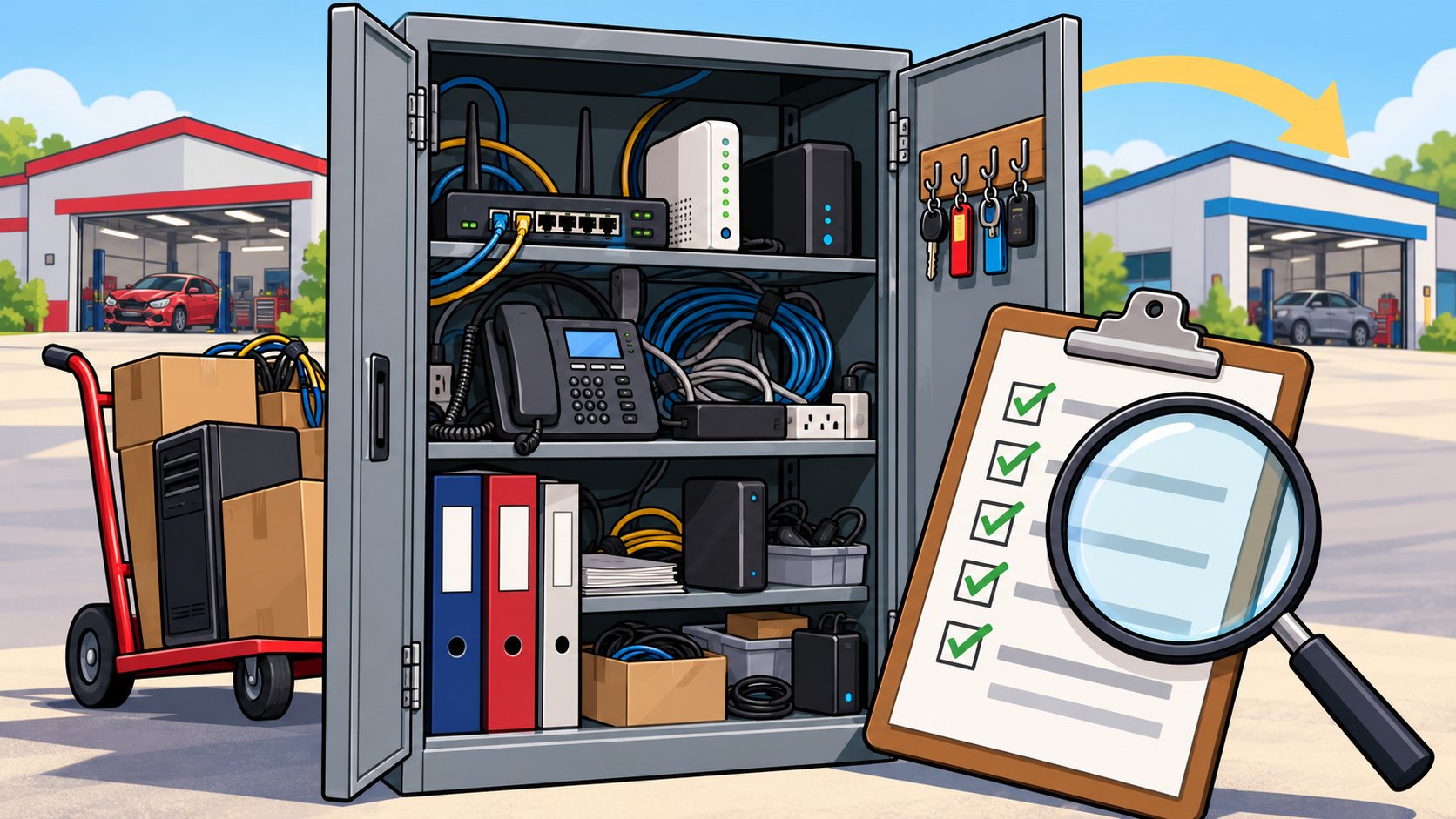
You're close to buying your third shop. You've walked the bays, looked at the frame machine and the paint booth, gone through the DRP relationships, and had your accountant comb through the books. Somewhere in the back office there's a closet with a router, a switch, a tangle of cables, and a computer nobody has rebooted in two years. Nobody on your side has opened that door yet.
Before you buy another collision center, check who owns and controls the shop's accounts, how old the computers and network equipment are, what internet and phone contracts you would inherit, whether backups and security are in place, which software licenses transfer, and who actually knows how it is all set up. Doing this before closing gives you time to plan the transition and to bring real costs to the deal conversation. Doing it after means discovering those costs with cars waiting.
Everything below happens before you sign. Once the deal closes, our article on integrating a newly acquired collision center without disrupting operations picks up from there.
Why IT Belongs in Collision Center Due Diligence
Technology problems in an acquired shop show up in the first weeks of ownership, when estimators and the front office have the least patience for them. If the new location's computers are near the end of their life, if its email lives in an account the seller controls, or if nobody can find the firewall password, you'll find out on day one, usually while the staff is still deciding what they think of you.
One of our collision center clients ran into exactly this. They acquired an existing business that had been operating independently for years. The computers were different from the rest of the group, much of the hardware was approaching the end of its useful life, the email and phone systems were different, and the network used equipment nobody was actively managing. None of that stopped the shop from operating. It did create inconsistency across the organization and made the new location harder to support. Findings like those are far easier to plan and budget for when you see them before you sign.
The Collision Center Acquisition IT Checklist
A practical collision center acquisition IT checklist covers six areas: accounts, equipment, connectivity, security, software, and people. Anyone with access can start it, and someone who knows what to look for should finish it.
Accounts and ownership
Find out who owns the business email domain, the Microsoft 365 or Google Workspace account, the website, and the administrator passwords. Plenty of shops have these registered to the seller personally or to a former IT consultant. Ask how estimating platform accounts, insurance portal logins, and parts ordering accounts will move to you, and confirm the answer with each vendor, since each one sets its own transfer rules.
Equipment age and condition
List every computer, server, printer, scanner, network device, and camera system with its approximate age. Equipment that's five or more years old, or that runs an operating system no longer getting security updates, belongs in your first-year budget.
Internet and phones
Get copies of the internet and phone contracts. Note the speeds, the end dates, and any early termination terms. Check whether the shop has a backup internet connection and what stops working when the main line goes down.
Security and backups
Ask whether the shop has had any security incidents, whether employees use multi-factor authentication, what security software is installed, and when backups were last restored successfully. "We have backups" and "we've tested a restore" are two very different answers.
Software and vendors
List every software subscription and vendor, with seat counts and renewal dates. Some licenses transfer, some don't, and some vendors will want a new agreement.
The people who know
Find out who actually understands the setup. If it's an employee who's leaving or a consultant the seller pays, you'll want their knowledge written down before they go. NIST's small business cybersecurity quick start guide recommends creating and maintaining an inventory of hardware, software, systems, and services, and an acquisition is a natural moment to build one.
Questions to Ask the Seller Before Closing
Seven questions, asked early, surface most of the technology risk in a collision center purchase.
- Who holds the administrator passwords for email, the network, and the computers?
- Who is the IT contact today, and will they help during the transition?
- Has the shop had a security incident, phishing loss, or ransomware event?
- When were the computers, server, and network equipment last replaced?
- Which contracts and subscriptions renew in the next twelve months?
- Which accounts are in the seller's personal name?
- What breaks most often, and how is it handled today?
The answers won't all be precise, and that's fine. Vague answers tell you where to look harder.
Who Should Do the Review, and How Long It Takes
An IT review of a single collision center usually takes one site visit and a few follow-up conversations, and it should be done by someone who will support the shop afterward. The second part is about continuity more than speed. Whoever looks at the closet before closing is the person who can tell you on day one which problems are urgent and which can wait.
The visit itself is practical work. Someone walks each area of the shop, from the front counter and estimating desks to the bays, the parts area, and the network closet. They photograph equipment labels, check what the Wi-Fi reaches, look at how cables are run, and ask the staff what gives them trouble. Then they sit down with the seller or the seller's IT contact to confirm accounts, passwords, and vendors.
If the seller hesitates to share access before closing, that's understandable, and you can still get most of the picture from a walkthrough and a conversation. Just make sure the deal documents cover handing over every administrator password and account on closing day.
Turning What You Find Into a Plan
Every finding should land in one of three places: the deal conversation, the day-one plan, or the first-year budget. Missing admin access or accounts in the seller's name belong in the deal conversation, so the transfer is handled before closing. Talk with your attorney and accountant about how any findings affect the terms. Aging computers and network equipment belong in the first-year budget. Everything else goes into the day-one plan for bringing the shop onto your standard, which our article on standardizing technology across multiple collision center locations covers in detail.
If you're also planning a new location from scratch, the timeline in what technology to plan before opening a new collision center location uses many of the same checks.
Growth is supposed to feel like progress. When every acquisition turns into a technology project you end up managing personally, you feel frustrated because you're still the one everyone turns to when systems fail, even though your business has grown beyond that. You didn't get into the collision repair business to manage technology. You got into it to build a great company, serve your customers, and create opportunities for your employees.
Tech Marvel helps growing New Jersey collision centers replace informal IT support with one accountable technology partner for every location. For acquisitions, that means helping you look at a target shop's technology early, documenting what's there, and building a repeatable plan to bring each new location onto the same standard. Growing collision centers deserve professional IT that keeps the business running as reliably as you repair your customers' vehicles.
Frequently Asked Questions
Can we keep the seller's estimating platform account?
It depends on the vendor and the deal. Contact the estimating platform directly before closing and ask how accounts, workfiles, and history transfer to a new owner.
How early should the IT review start?
As soon as you have access to the shop and its paperwork. A first pass takes a visit and a few conversations, and it's much easier before closing day pressure starts.
Do we have to replace everything at the new shop?
No. Fix what's risky first, such as missing access, untested backups, and unsupported equipment, then bring the rest onto your standard as equipment comes due.
Your Next Step
If a deal is on the table, the earlier we talk, the more of this you can settle before closing. Walk us through your shops, get a practical IT roadmap, and then let us take IT off your plate. Include the shop you're thinking of buying in that walkthrough. The first conversation takes about 20 minutes and ends with a one-page plan: where you stand, your top risks, 30-day quick wins, and priorities for the next 6 to 12 months.
Tech Marvel is based in Morris County and works with growing collision groups across Northern New Jersey and the rest of the state. Learn more about Tech Marvel's collision center IT services.
Schedule Your Free IT Roadmap Meeting
Not ready for a call? Get the free guide, 10 Signs You've Outgrown 'The IT Guy'
Confidently grow your collision centers, serve your customers, and lead your team knowing every location is protected, productive, and supported by one accountable IT partner.