By Ron Conti, Owner and Founder of Tech Marvel
The person who handles your technology has been with you a long time. Maybe they set up the computers at your first shop. Maybe they're an office manager who's good with this stuff, or a local consultant who has always picked up the phone. They know your estimators by name and where every cable runs. Now you have three locations, the work keeps growing, and you've started wondering whether you need more help. What you don't want is to push that person out.
Yes. A collision center can keep its IT person and add a managed IT provider in an arrangement usually called co-managed IT. The internal person keeps handling day-to-day support at the shops, and the partner takes on what one person cannot realistically cover alone: around-the-clock monitoring, security, backups and restore testing, documentation, vendor coordination, and coverage when that person is out. The split works when both sides agree in writing on who owns what.
This is one of the most common conversations I have with collision center owners, and it usually starts with loyalty. That loyalty is earned. Your person is probably good at the job. The harder part is asking one person to cover every location, every vendor, and every problem that shows up at a bad time.
Why Keeping Your IT Person Often Makes Sense
Your IT person carries knowledge about your shops that nobody else has, and that knowledge is worth keeping. They know which estimator always has trouble with the scanner, which shop's Wi-Fi drops near the paint booth, and which vendor actually answers the phone. They're often on site, which counts for a lot when a printer jams in the middle of a busy morning.
What usually stretches thin is everything around that daily work. One person can't watch systems at 2 a.m., test backup restores every month, keep security tools current across every location, write documentation, and still answer the front office by 8 a.m. That's simple arithmetic about hours in a day. When the business was one shop, it fit. At three or four, something gives, and it's usually the work nobody sees until it's needed.
What a Co-Managed IT Split Looks Like at a Collision Center
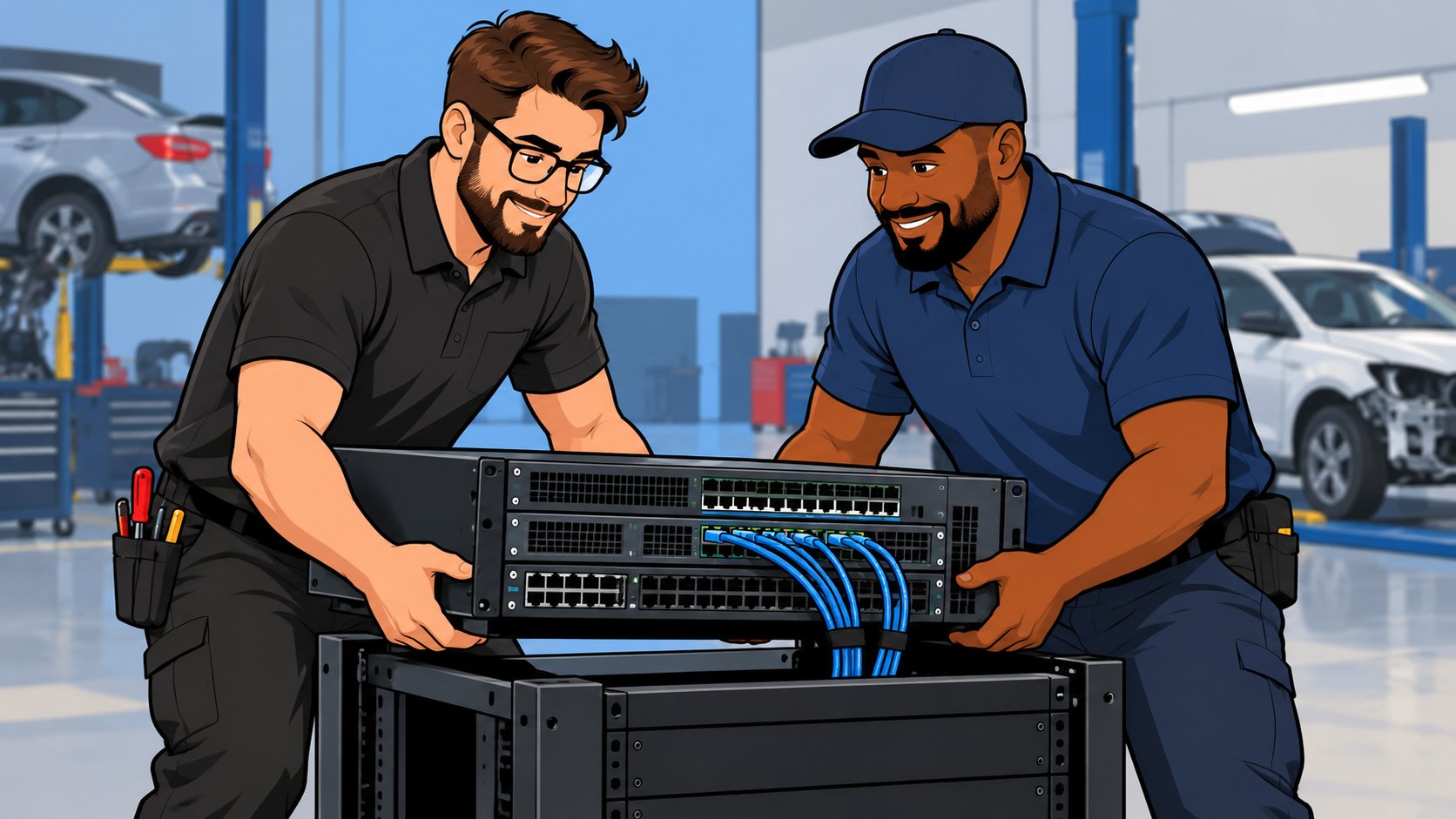
A co-managed IT split gives the shop-floor work to your internal person and the systems and coverage work to the partner. Every shop is different, but a common arrangement looks like this.
Your internal person typically handles:
- Day-to-day help for estimators, the front office, and managers
- Printers, scanners, and workstation issues at the shops
- New hires' desks and equipment, using a checklist both sides agree on
- Being the familiar face when someone at a shop needs help in person
The managed IT partner typically handles:
- Monitoring of every location's network and systems around the clock
- Security tools, updates, and email protection across all shops
- Backups and regular restore tests
- Documentation of each shop's network, accounts, and vendors
- Vendor coordination when CCC, Mitchell, the internet provider, or the phone company is involved
- Coverage when your internal person is on vacation, out sick, or busy at another shop
- Planning for new locations, acquisitions, and equipment replacement
Some shops shift more to the partner over time, and some keep the internal role large. Our article on when a growing collision center needs internal IT walks through how that balance tends to change as a business grows.
Where Co-Managed IT Goes Wrong
Co-managed IT fails when the two sides each assume the other one owns a task. Backups are the classic case. The internal person thinks the partner is testing restores. The partner thinks the internal person handles the server at the main shop. Nobody tests anything until the day it's needed.
Undocumented changes cause the rest. We've seen this at collision centers, dealerships, and other businesses: an employee trying to solve a problem connects an extra cable through a desk phone. That understandable change creates a network loop and takes down the network. The employee meant well and was trying to keep work moving. In a co-managed setup, the same thing happens when one side changes a firewall rule or swaps a switch and the other side doesn't know. The fix is simple to describe and takes discipline to keep: one shared record of every change, and one agreed first call.
Employee changes need the same shared checklist. When an estimator leaves, someone has to remove access to email, the estimating platform, insurance portals, parts sites, and anything else that person used. If your internal person handles the desk and the partner handles the accounts, both need to see the same list and mark it done. Our post on which accounts get missed when a collision center employee leaves lists the ones that slip most often.
Admin access causes trouble too. If both sides share one administrator password, nobody can tell who changed what. CISA's Cyber Essentials guidance recommends granting access and admin permissions based on need-to-know and least privilege, and that applies just as much when two IT parties are involved.
Questions to Settle Before You Add a Partner
Six questions, answered in writing, keep a co-managed arrangement working. Ask them before anyone touches your systems.
- Who is the first call for each type of problem, at each shop?
- Who owns backups, and who tests restores, and how often?
- Who has administrator access to email, the network, and estimating workstations, and does each person have their own login?
- How are changes recorded so the other side knows what happened?
- Who covers after hours, holidays, and vacations?
- How often will the three of you, owner included, review what's working?
If those answers are fuzzy, the arrangement drifts back to you refereeing between two IT parties, and you feel frustrated because you're still the one everyone turns to when systems fail, even though your business has grown beyond that. The written split is what gets you out of the middle.
When a Full Handoff Is the Better Fit
A full handoff makes more sense when the internal person wants to step back or when IT has become more than a side job. That happens a lot with office managers or estimators who picked up IT because they were good at it, and who would happily go back to their actual job. It also happens when a consultant is ready to retire. In those cases, a planned transition protects both the business and the person's legacy. How much IT support a multi-location collision center actually needs shows how to size the role either way.
How Tech Marvel Works Alongside Your Team
Tech Marvel works alongside internal IT people as readily as it takes over IT completely. You didn't get into the collision repair business to manage technology. You got into it to build a great company, serve your customers, and create opportunities for your employees.
Tech Marvel helps growing New Jersey collision centers replace informal IT support with one accountable technology partner for every location. In a co-managed setup, that means we monitor client systems around the clock, keep documentation updated quarterly, run monthly test restores, and meet quarterly to plan what's next, while your person stays the familiar face at the shops. Growing collision centers deserve professional IT that keeps the business running as reliably as you repair your customers' vehicles.
Frequently Asked Questions
Will our IT person feel replaced?
Sometimes at first. Most come around when they see the partner taking the after-hours calls, backups, and documentation they never had time for. Bring them into the first conversation. Their knowledge of your shops is also the fastest way for a new partner to learn how everything is set up.
How is co-managed IT priced?
It depends on which work the partner covers. Ask for the split in writing, with a price tied to it, so you can see exactly what you're paying for.
Can we move to fully managed IT later?
Yes. If the documentation is current, moving more of the work to the partner later is straightforward.
Your Next Step
Bring your IT person to the first conversation if you can. Walk us through your shops, get a practical IT roadmap, and then let us take IT off your plate. That can mean all of it or only the parts your team can't cover. It takes about 20 minutes, and you'll leave with a one-page plan of where you stand, your top risks, 30-day quick wins, and priorities for the next 6 to 12 months.
Tech Marvel is in Morris County and works with collision centers and their in-house IT people across Northern New Jersey and the rest of the state. Learn more about Tech Marvel's collision center IT services.
Schedule Your Free IT Roadmap Meeting
Not ready for a call? Get the free guide, 10 Signs You've Outgrown 'The IT Guy'
Confidently grow your collision centers, serve your customers, and lead your team knowing every location is protected, productive, and supported by one accountable IT partner.