
By Ron Conti, Owner and Founder of Tech Marvel
Ask the front office at one of your shops why they type every customer's name, vehicle, and insurance details into the shop management system and then again into the accounting software, and you'll probably get a shrug. The two systems were never connected, someone started doing it by hand years ago, and now it's just part of the job. As the owner, you've likely stopped noticing it too. Every collision center has a few habits like that.
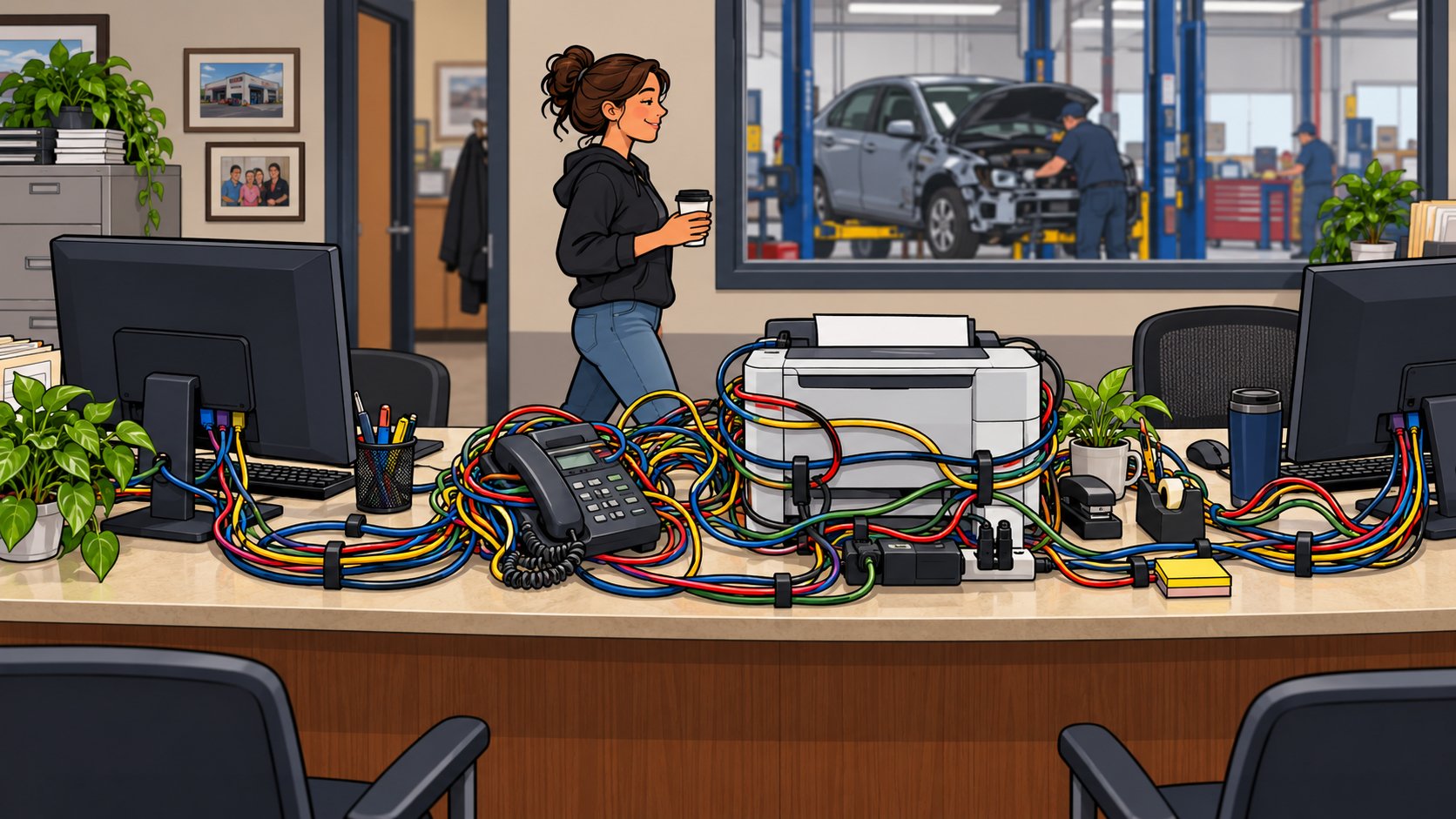
Collision center technology workarounds are the manual fixes, extra steps, and tolerated problems your team has stopped questioning. The quickest way to find them is to ask employees which technology problems they have learned to live with. Then add up what each one costs in time and repeat repairs, and decide whether to keep it, fix it, or retire it in 2027.
Those workarounds don't stay small. Somewhere along the way, you feel frustrated because you're still the one everyone turns to when systems fail, even though your business has grown beyond that. You didn't get into the collision repair business to manage technology. You got into it to build a great company, serve your customers, and create opportunities for your employees.
Nobody did anything wrong by creating these habits. At one shop with a small team, a spreadsheet or an extra step was often the fastest way to keep cars moving. Multiply that across several locations, more estimators, and more systems, and the same workarounds start costing real hours every week. As you plan the 2027 budget in November 2026, it's a good time to look at them on purpose.
1. Ask Your Team What They've Learned to Live With
The fastest way to find collision center technology workarounds is to ask the people who use the systems every day which problems they have stopped reporting.
Workarounds are easy to miss because the people doing them have gotten good at them. The parts department keeps a spreadsheet of backordered parts because the shop management system doesn't show them the way they need. Three people update it now, and nobody remembers who built it. An estimator emails photos to herself because the upload from one workstation keeps failing. The front office keeps a sticky note with the steps to get the scanner working again.
Ask one question at each location: what technology problem have you learned to live with? You'll get answers you didn't expect, and some of them will turn out to be a setting, an integration, or a training gap more than a purchase. Our post on habits that save collision centers the most time has more ideas once you have the list.
2. Judge Equipment by the Time It Costs Your People
A computer or network device that still turns on every morning can still be costing your estimators and front office minutes every hour.
A business we worked with had put off replacing about 15 office computers for nearly eight years because they still worked. Several took ten minutes or more to start up each morning, and employees waited 30 seconds or longer for common programs and web pages to open, all day long. Once the computers were replaced, the improvement was immediate. Employees said everything was faster, they didn't have to wait anymore, and the complaints stopped.
Sometimes the slowdown hides somewhere nobody would look. We've seen this at more than one collision center: the shop switched to internet-based phones, and to save new wiring, the phone company ran each computer's network connection through the desk phone. Nobody realized the desk phones could only pass along 100 megabits, which is plenty for a phone call and too slow for today's computers. We added a network device that gave the phones and computers their own connections, and the computers were back to full gigabit speed. The computers had worked the whole time, just at a fraction of their speed, and nobody owned the side effect of the phone change.
Old software deserves the same look. If a workstation stays on an unsupported operating system because one program has always run on it, that's a workaround with a security cost. CISA's Bad Practices list, written mainly for critical infrastructure organizations but recommended for all organizations, calls running unsupported or end-of-life software dangerous, especially on systems reachable from the internet.
3. Add Up What You Keep Paying to Fix
A problem that needs the same repair again and again should be measured by its total cost over six to twelve months, including the time employees spend waiting.
One repair usually isn't a reason to replace anything. The front-counter printer that jams every week, the Wi-Fi that drops in the back of the shop, or the estimating workstation a vendor has reimaged three times are different stories. Each fix might be inexpensive. Add the support costs, the time estimators spend waiting, and the cars that sat a little longer while it got sorted out, and keeping the problem alive may no longer be the cheaper option. Our post on why your collision center keeps having technology problems digs into why the same issues come back.
That doesn't automatically mean buying something new. Often there's an underlying cause that can be properly fixed, like the phone wiring above, and finding it is cheaper than another year of repairs. When two vendors each say their piece is fine, someone has to look at how all the pieces fit together and own the answer.
How to Decide Which Collision Center Technology Workarounds to Keep
Every collision center technology workaround on your list belongs in one of three groups: keep it, fix the underlying cause, or retire it in the 2027 plan.
- Keep it when it costs little time, carries no security risk, and the fix would cost more than the workaround
- Fix the cause when the same problem keeps coming back, or when two systems need to talk to each other and don't
- Retire it when it depends on unsupported software, one person's memory, or equipment that slows people down every day
Leave the list alone, and 2027 looks like 2026. Estimators keep waiting on the same workstation, the spreadsheet keeps growing, and every time something breaks, the question of who should fix it ends up with you. That's also usually the point where a growing shop realizes it has outgrown the informal way IT has been handled.
A Second Set of Eyes on the Problems Everyone Stopped Seeing
An outside review finds the workarounds your team no longer sees, because the person looking has not spent years working around them.
Growing collision centers deserve professional IT that keeps the business running as reliably as you repair your customers' vehicles. We won't assume everything needs replacing. Sometimes the right answer is to keep what you have, as long as you're keeping it because it still works for the business. If you're curious what a review covers, our post on what a collision center technology assessment should include lays it out.
Tech Marvel helps growing New Jersey collision centers replace informal IT support with one accountable technology partner for every location. I've spent more than 30 years in technology, and the phone wiring above is a good example of what that experience is for: finding the cause behind a problem everyone had learned to live with.
Working with us takes three steps. Walk us through your shops and the workarounds your team describes. You'll get a practical IT roadmap that ranks your top risks, lists quick wins for the next 30 days, and lays out the 6 to 12 month priorities, including what's fine to keep. Then we take IT off your plate, so you can confidently grow your collision centers, serve your customers, and lead your team knowing every location is protected, productive, and supported by one accountable IT partner. You can read more about our collision center IT support.
We're based in Morris County and support businesses throughout Northern New Jersey, with on-site help when a problem needs someone in the building.
Schedule Your Free IT Roadmap Meeting
Not ready for a call? Get the free guide, 10 Signs You've Outgrown 'The IT Guy'
Frequently Asked Questions
How do I get employees to admit to workarounds?
Frame it around frustrations. "What technology problem have you learned to live with?" gets better answers than "what are you doing wrong?" Make it clear the goal is to save them time, and ask at each location, since different shops often build different workarounds.
Is a workaround always a problem?
No. A workaround that takes a minute a week and carries no security risk can stay. The ones worth fixing cost time every day, depend on one person knowing the steps, or keep an old system running past its support date.
Should we replace a system just because it's old?
Age alone is a reason to review it. Replace it when it no longer gets security updates, slows people down, or keeps needing the same repair. Otherwise, a system your team knows well can stay another year, and the money can go to a workaround that costs more.