By Ron Conti, Owner and Founder of Tech Marvel
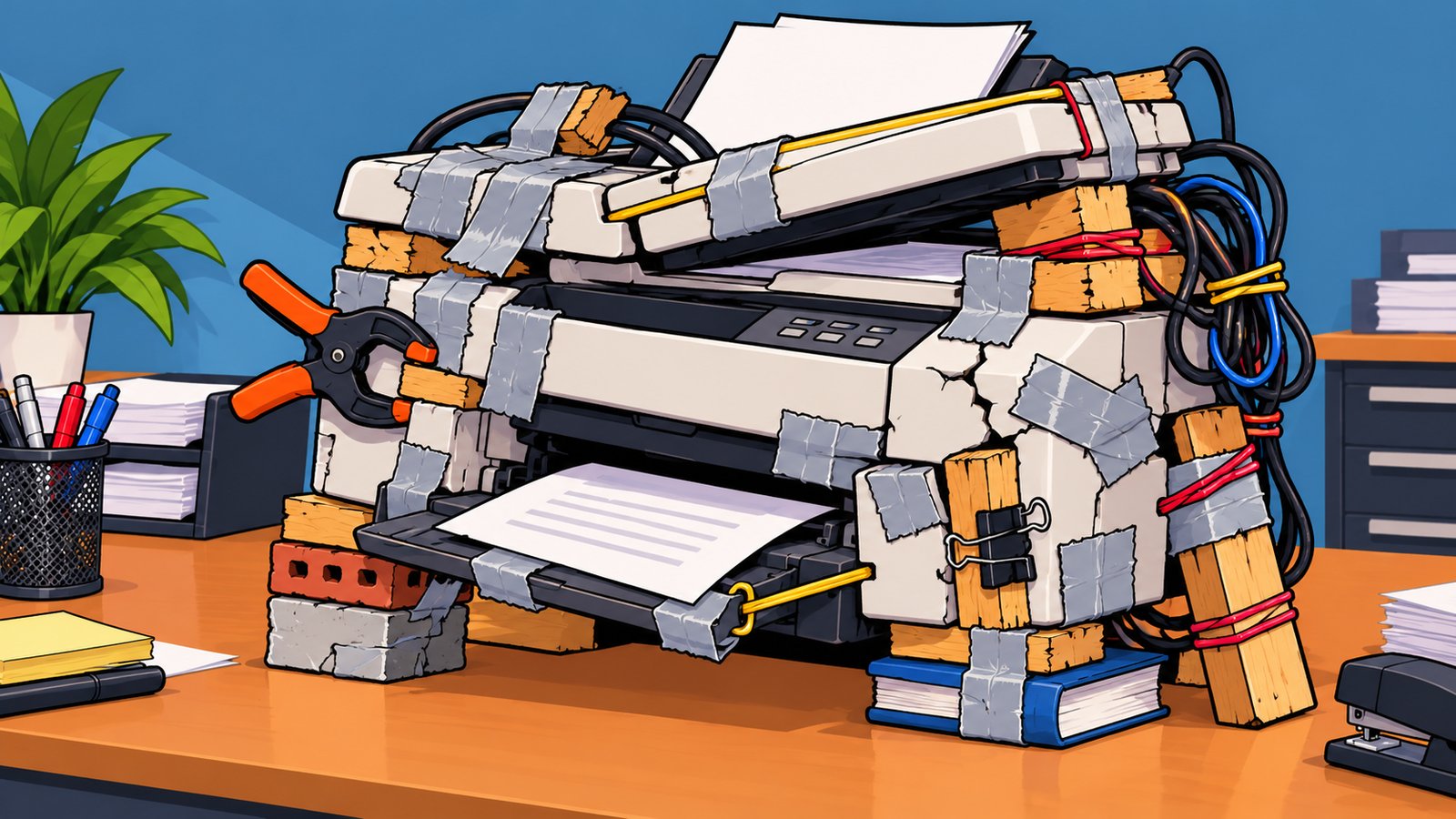
A service advisor restarts the printer every morning before the first repair order, because that's what you do with that printer. A BDC rep keeps a spreadsheet on the side, because the CRM report never quite showed what she needed. And the controller approves another service invoice for that same printer, the third one this year. Ask why, and the answer is usually some version of "that's how we've always done it." The person who set it up may have left two general managers ago, and nobody calls IT about it anymore.
The most expensive dealership technology problems are often the ones nobody reports anymore: workarounds that became routine, equipment that still works but slows people down, and problems that get fixed again and again without anyone asking why. Finding them takes one question for each department: what technology problem have you learned to live with?
Before your 2027 plans are locked in, it's worth a fresh look at what your team has gotten used to. Here's where I'd start.
1. Find the Workarounds Nobody Questions Anymore
A workaround that started as a temporary fix becomes a permanent cost when nobody remembers why it exists or checks whether the original problem is still there.
Every dealership has a few processes nobody really designed. Some common ones:
- The same customer information typed into two systems because they were never connected
- A spreadsheet that tracks something your DMS or CRM may already handle
- Documents printed, signed, and scanned back in because the digital step was never set up
- One login for a vendor or manufacturer portal that several people share
- The one employee everybody asks when the printer or Wi-Fi acts up
For each one, ask the person who does it what would happen if they stopped. If the answer is "nothing," stop doing it. If the answer is "the numbers would be wrong," you've found the problem the workaround was covering for.
Some of these cost a few minutes a day. Others carry real risk. A shared login means you can't tell who did what, and it rarely gets changed when someone leaves. If your dealership finances or leases vehicles, the FTC's Safeguards Rule FAQ for auto dealers says the rule requires multi-factor authentication, or a reasonable equivalent, for any individual accessing your information systems. That's hard to do with a login five people share. (This is practical technology guidance, not legal advice; your attorney is the right person for questions about how the rule applies to you.)
The employee who fixes the printer deserves a word too. They mean well, and they're usually good at it. But they have another job, and every time they leave it to play IT, that job waits.
2. Stop Confusing "Still Works" With "Works Well"
Equipment that still turns on can still cost the dealership time every day, and that cost is easy to miss once employees build their routine around it.
Think about the employee who turns on the computer and goes for coffee while it loads. They've done it so long that nobody considers it a technology problem. It's just the morning. Multiply that by everyone in the building and it adds up, which is why our post on whether aging computers are slowing down your auto dealership suggests looking at performance, repairs, and warranty along with age.
Sometimes the cause is less obvious than an old computer. We've seen this at more than one dealership: when the phones were switched to an internet-based system, the phone company ran each computer's network connection through the desk phone so nobody had to add wiring. It never occurred to anyone that the desk phones could only pass along 100 megabits. That's plenty for a phone call, but too slow for today's computers. People just assumed the computers were slow. Nobody did anything wrong: the phone company solved its own problem, the computers kept working, and the slowdown got blamed on something else. Once we gave the phones and the computers their own connections, the computers were back to full speed.
You don't need to replace something because it's old. But "we can still use it" shouldn't be the only reason you keep it, and "it's always been slow" deserves at least one question about why.
3. Pay Attention to the Problems You Keep Paying to Fix
When the same problem keeps coming back, add up what it has cost over six to twelve months before paying for the next repair, then find out why it keeps happening.
One repair probably isn't a reason to replace anything. The pattern is what to watch, so keep a simple log of what broke, when, how long people waited, and what the fix cost. After a few months, it's usually clear. A service call may be inexpensive on its own, but add up the support costs, the time employees spent waiting, and the customers who waited with them, and keeping it running may no longer be the cheaper option.
That doesn't automatically mean replacing it, either. Recurring problems often have an underlying cause that nobody has tracked down, sometimes because several vendors each looked at their own piece and said it was fine. If that sounds familiar, our post on what happens when dealership IT vendors blame each other covers how to get one party to own the problem until it's actually resolved.
This is also where the support model shows. Fixing the same computer three times is a band-aid. Asking why it keeps failing, and whether other machines are headed the same way, is a solution. We wrote more about that difference in whether it's time to move from break-fix IT to managed IT.
4. Find Hidden Dealership Technology Problems With One Question
The fastest way to find hidden dealership technology problems is to ask every department what technology problem it has learned to live with, then sort the answers by what each one costs.
Ask it in a department meeting, make it clear nobody is in trouble for the answer, and give people a few days to think about it, because the best answers often come later. You'll probably hear things like:
- Sales: the CRM page that takes forever to load while a customer waits
- Service: the drive tablet that drops off Wi-Fi in one corner of the lane
- Parts: the label printer that only works if you restart it first
- F&I: the lender portal login that has to be reset every few weeks
- Accounting: the report rebuilt by hand every month-end
Then sort the list. Some answers cost minutes, some cost customers, and some carry security risk. Those last two groups belong in your 2027 plan. The rest can wait until there's a natural time to address them.
Getting a Fresh Look at Familiar Problems
An outside review helps because the people who work around a problem every day are the least likely to see it as a problem anymore.
If you're the controller, you may know this feeling: "I'm not the IT person, but somehow these problems keep ending up on my desk." It's frustrating when the same issues come back month after month and nobody can say why. Everyone owns one piece, but nobody owns the outcome.
Technology should help your dealership sell, finance, service, and deliver vehicles, not create more work for the people leading the business. We won't assume everything needs replacing. Sometimes the right answer is to keep what you have, as long as you're keeping it because it still works for the dealership and not just because everyone got used to it. Tech Marvel combines dealership IT experience with over 30 years of technology expertise to help New Jersey dealerships reduce downtime, strengthen cybersecurity, coordinate technology vendors, and get clear answers from one accountable local partner.
If you lead a dealership in Morris County or elsewhere in Northern New Jersey, start with a 20-minute risk review. We'll go through your systems, vendors, and risks with you, including the workarounds and recurring problems your team has stopped mentioning, and point out what to fix first and what to plan for over the next 6 to 12 months. From there, you get one local IT partner who owns it all year, and a smoother, safer dealership where sales, service, finance, accounting, and management can work with clear answers.
Schedule Your Free 20-Minute Automotive IT Risk Review
Not ready for a call? Get the Dealership IT Guide.
Frequently Asked Questions
How do I know if a workaround is worth fixing?
Look at three things: how much time it costs each week, whether it slows down customers, and whether it creates a security gap, such as a shared login. If it does any of those, it belongs on the list. If it costs a few minutes a month and carries no risk, it can wait.
Should a dealership replace equipment that still works?
Not automatically. Replace it when it's slowing people down every day, keeps needing repairs, no longer gets security updates, or can't run the software your team relies on. Age alone is a reason to take a closer look.